Facturae and FACe
Invoice the public sector
without leaving FacturaDirecta
Create your signed Facturae, send it to FACe from the invoice itself and follow it until it’s paid. On every plan, including Free.
Start for free Sign in with Google

Facturae? FACe? Let us explain
Facturae is the e-invoice Spanish public administrations require: a signed XML file. FACe is the central government’s entry point, which many regional governments and town councils have joined.
With FacturaDirecta you don’t have to wrestle with either: you create the invoice as usual and we generate the Facturae, sign it, register it in FACe and keep you posted on what happens to it.
When do you need it?
When do you have to issue Facturae?
You need it if…
- You invoice a ministry, a regional government, a town council or another public body.
- You have a company (SL, SA…): the law requires it, although many administrations exempt invoices of up to €5,000.
- You’re self-employed and the public body asks for it. The law doesn’t require it, but many bodies do.
You don't need it if…
- Your customers are businesses, freelancers or individuals: for now, your usual invoice is enough.
- The administration exempts you because of the amount and doesn’t ask for an e-invoice.
All included
What FacturaDirecta does for you
From the first DIR3 code to payment, without visiting the FACe website.
DIR3 codes without the hunt
Search the public body by name, tax ID or code and we fill in the accounting office, the managing body and the processing unit at once, from the FACe catalogue.
A check before sending
Before sending, the invoice tells you what’s missing: a code, the customer’s tax ID or address. You fix it without leaving it.
Signature included
We sign your Facturae with FacturaDirecta’s certificate, at no cost. If you prefer, you can also sign it with your own.
Registered in FACe in one click
You send it to FACe from the invoice itself and it’s registered, with its registration number saved on it.
Processing status up to date
We check FACe for you and you’ll see whether your invoice is registered, being processed, acknowledged for payment, paid or rejected.
Cancel from the invoice
Made a mistake? Ask FACe to cancel it, with the reason, from the invoice itself and follow the reply.
Corrective invoices too
Send your corrective invoices to FACe like any other: we work out their data from the original invoice.
Other entry points
Does the administration use another portal? Download the signed Facturae in one click and upload it wherever they tell you.
Incoming Facturae, read for you
The Facturae files you receive from your suppliers are read automatically and come in as purchase invoices.
Sending to FACe with FacturaDirecta is this easy
You invoice the public sector just like the rest of your customers. We take care of the rest.


Facturae and FACe
Set up the customer once
Save their DIR3 codes on their record and all their invoices carry them. If one invoice goes to another unit, change it on that invoice only.
Send without leaving the invoice
We generate the signed Facturae, register it in FACe and show you the registration number.
Know when you’ll get paid
See the status of every submission on the invoice and in your invoice list, with the FACe column.
Start for free!Step by step
How to send an invoice to FACe
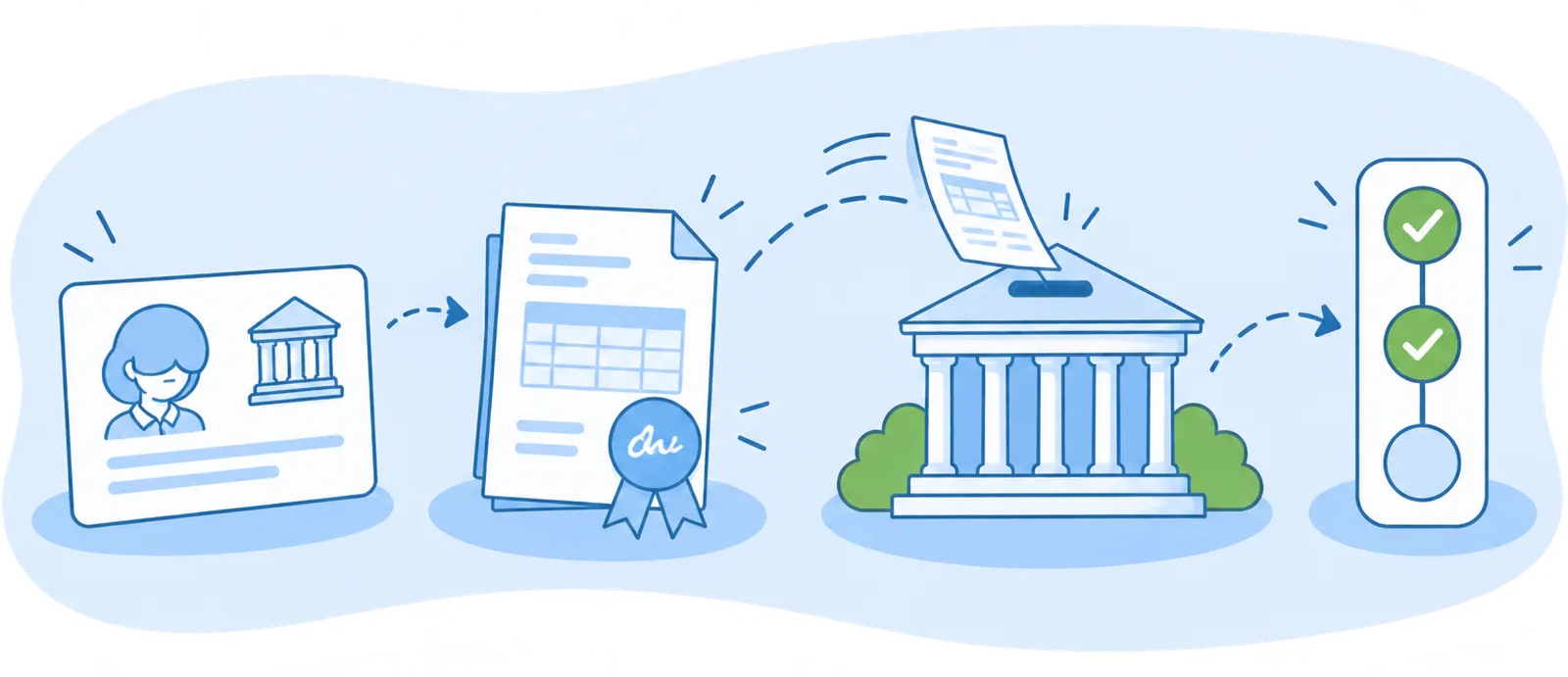
- Set up the customer
- Create the invoice
- Send it to FACe
- Follow it up
FAQ
We answer your questions
Answers to the most common questions about Facturae, FACe and FacturaDirecta.