Artificial Intelligence
Your invoicing, in Claude and ChatGPT
Included on every plan, including Free
Ask what you'd ask your accountant
It looks up your real FacturaDirecta data and answers in seconds, with a link to each document so you can check it. Click a question to copy it.
Sales and payments
Expenses and suppliers
Accounting and taxes
Search and share
And when you ask, it gets it done
Create an invoice, record a payment or send an estimate without leaving the conversation. It always asks for your confirmation before changing anything.


Invoices and payments
Creates the invoice, emails it to your client and records the payment when it arrives.
Estimates, orders and delivery notes
Creates them, updates them and emails them.
Purchases and receipts
Records purchase invoices and receipts with their payments, and prepares purchase orders.
Inbox
Give it a link to a document and it uploads it to your inbox to be scanned and recorded.
Contacts and products
Adds clients, suppliers and products, updates their details and adjusts stock.
Banks
Reconciles bank transactions with their journal entries, and undoes a reconciliation if needed.
Also payroll, recurring invoices, custom fields and more. See every tool and its parameters
Connect your assistant in a minute
Every assistant uses the same address. When you connect, you sign in with your FacturaDirecta user and choose what it can see.
https://mcp.facturadirecta.com
Claude
- Open Claude's connectorsAdd FacturaDirecta as a custom connector, or use the Add to Claude button on this page.
- Paste the FacturaDirecta URL
https://mcp.facturadirecta.com. There is no client ID or secret to fill in. - Authorise accessCheck which application is requesting access and with which permissions, and sign in with your FacturaDirecta user.
- AskClaude can now look up your data. If you work with several companies, it will ask which one to use.
ChatGPT
- Turn on developer modeChatGPT needs its developer mode turned on to use connectors like FacturaDirecta’s.
- Add FacturaDirectaAdd it as a connector with the URL
https://mcp.facturadirecta.com. - Authorise accessSign in with your FacturaDirecta user and review the permissions you grant.
- AskChatGPT can now look up your data. If you work with several companies, it will ask which one to use.
Other assistants
Grok, Mistral's Le Chat, Perplexity and any assistant that lets you add your own MCP connectors connect with the same URL. And if you code, Codex or Cursor too. The MCP server guide has the connection details.
- Grok
- Le Chat
- Perplexity
- Codex
- Cursor
You're in control
Your assistant works with your data, by the rules you set.
Sign in with your user
You authorise the connection by signing in to FacturaDirecta. Your password never goes through the assistant.
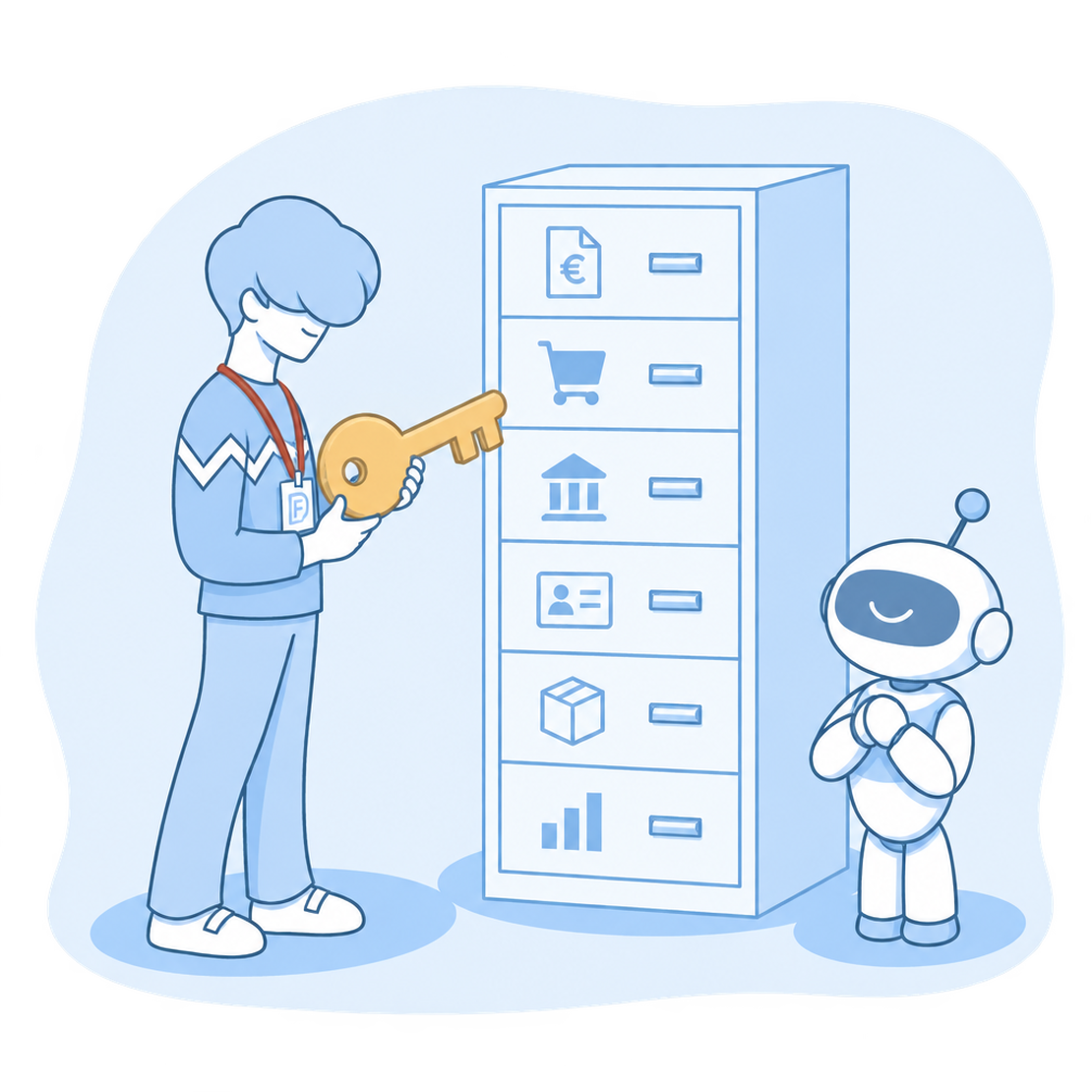
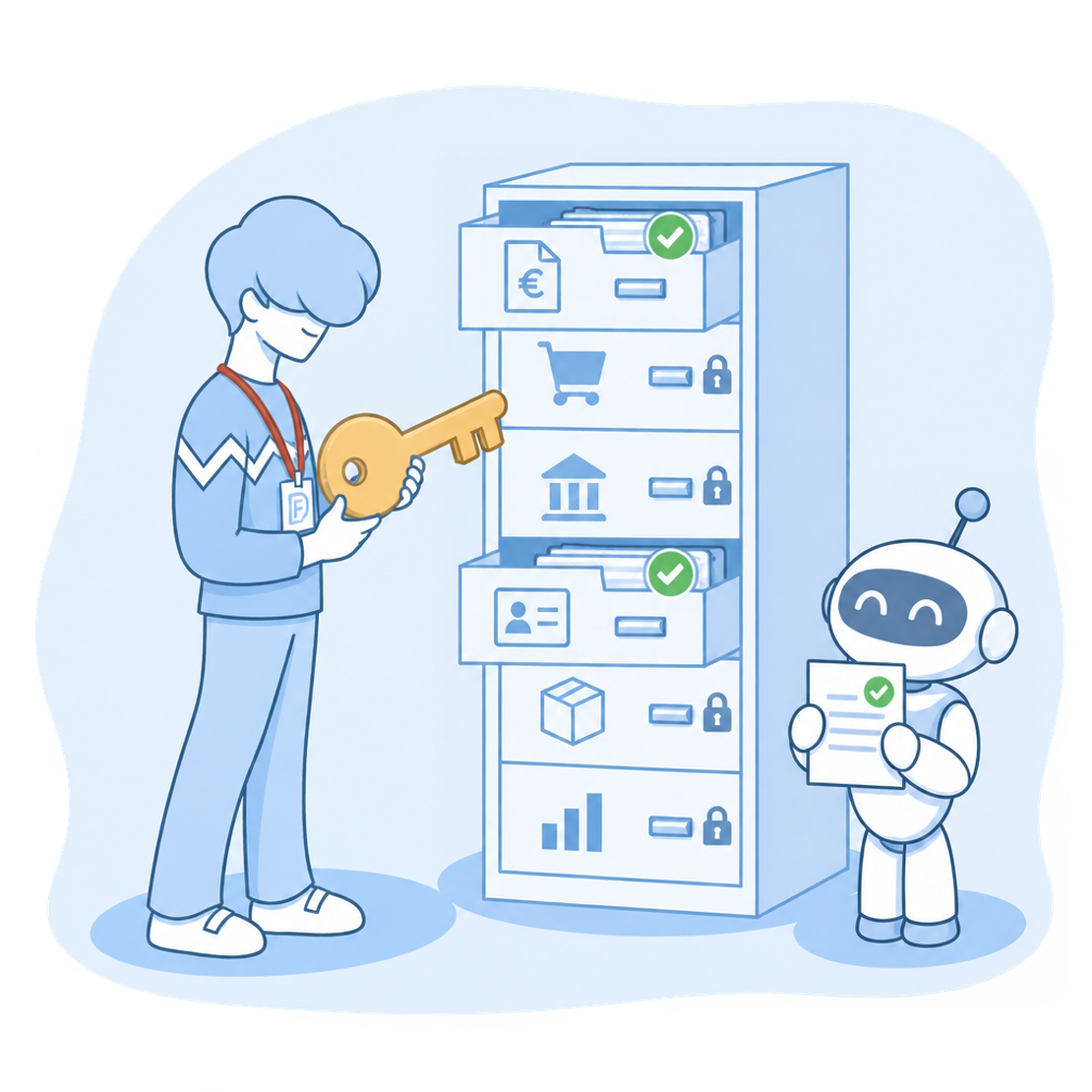
You decide what it sees and touches
You choose the companies and, in each one, what it can view or change, resource by resource. Never more than your role allows.
It asks before changing anything
Actions that create, change or send something ask for your confirmation in the conversation.
Disconnect it whenever you want
In “Connected apps” you see each assistant and when you last used it, and you change its permissions or disconnect it instantly.
Your sensitive data, kept safe
The full IBAN is only shared if you turn it on. And the FacturaDirecta server doesn’t store your data or read your conversations.
You can always check it
Answers come from your real data and link to each document in FacturaDirecta, so you can see it in one click.
Frequently asked questions
How much does it cost?
Which assistants can I use?
https://mcp.facturadirecta.com.