Automation
Put your repetitive tasks
on autopilot
Each month’s invoices are created and sent by themselves, expenses reach the scanner and your bank suggests every reconciliation. You review; FacturaDirecta repeats.
Start for free Sign in with Google
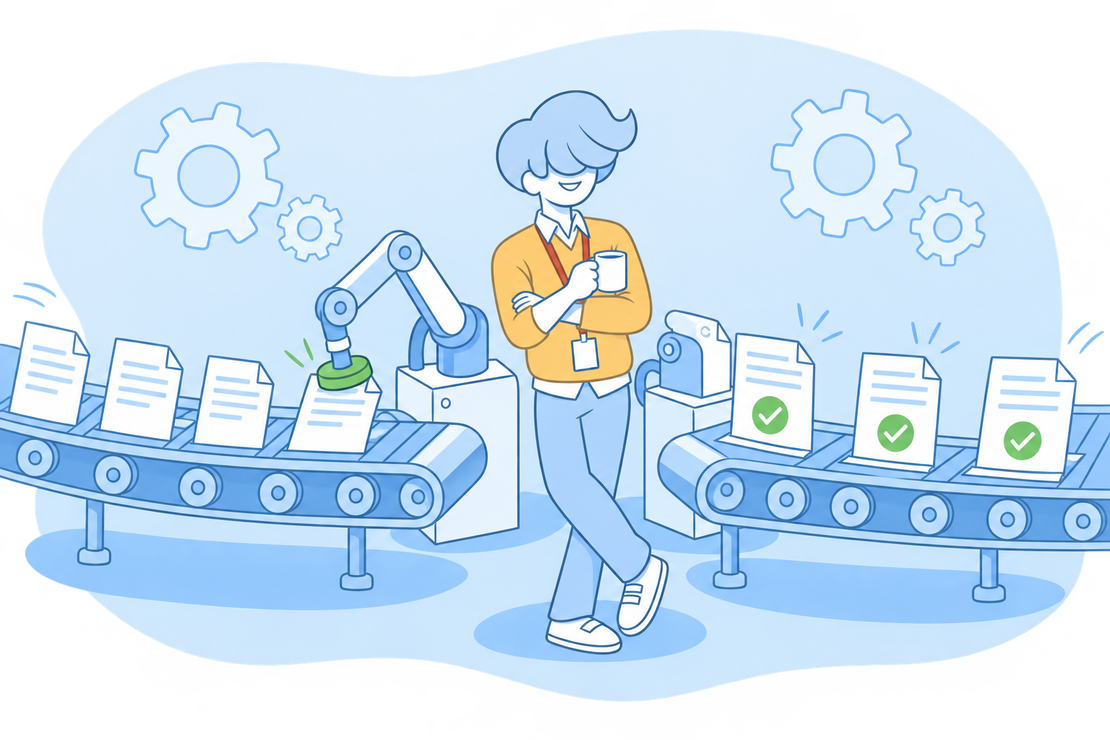
How much time do you spend repeating the same thing?
The same fee to the same customers every month, your self-employed fee, the same employee’s payroll… Typing again what you typed last month is time you don’t spend on your business.
With FacturaDirecta’s recurring tasks you set up the document once, with its schedule, and it’s created by itself on each date. The scanner, your bank and online payment take care of the day-to-day.
Recurring tasks
What FacturaDirecta repeats for you
You set up the document once and it’s created by itself, as often as you choose.
Documents that create themselves
Schedule invoices, quotes, delivery notes, purchase invoices, expenses and payrolls. With full accounting, journal entries too.
Every week, month or year
Choose the frequency, the interval and the specific days, and when it ends: never, after a number of times or on a date.
Draft or final
Create invoices as drafts to review them first, or as final, ready to send. With VeriFactu in VERI*FACTU mode or with TicketBAI, the final invoice is sent to the tax authority by itself.
Automatic sending by email
The invoices, quotes and delivery notes created go out to your customer without you touching them, from your company’s email.
Variables in the text
Write Service fee {{date}} and each invoice comes out with its date. Also the month or quarter, the number, the customer, the total or the due date.
Monthly expenses and payrolls
Your self-employed fee or the same employee’s payroll are recorded by themselves every month. On purchase invoices, you fill in the supplier’s number when it arrives.
From a document you already have
Turn an invoice or quote you already have into a recurring one: the task inherits the customer, the lines and the taxes.
Tags and daily report
Generated documents inherit the task’s tags and, if you set it up, you get a daily email with what’s been created.
Bulk changes
Raising your rates or switching to a new template? Update the prices or change the template of many tasks at once, without opening them one by one.
And there's more
What FacturaDirecta automates in each area
Each area has its own page with all the details.
Banks
Transactions arrive by themselves from your linked banks and, when you open each one, we suggest what it matches.
Online payment
Your customer pays the invoice by card from its link and the payment is recorded on the invoice.
VeriFactu
In VERI*FACTU mode, every final invoice is sent to the Spanish Tax Agency by itself. Also on the Free plan.
Integrations and API
Connect Shopify, Zapier or AI assistants such as Claude and ChatGPT, or use the API and webhooks. Also on the Free plan.
Expenses come in on their own
Get your purchase invoices into FacturaDirecta and forget about typing data.


Expenses and scanning
AI-powered scanning
AI reads every invoice and every receipt and suggests the supplier, dates and amounts. You just review it.
Expense inbox
Forward the email with the invoice to your company’s expense address and the document reaches the scanner by itself.
Google Drive folder
Drop the files into a linked folder and FacturaDirecta loads them into the scanner. Discover Expenses and purchases
Start for free!Step by step
How to create a recurring task
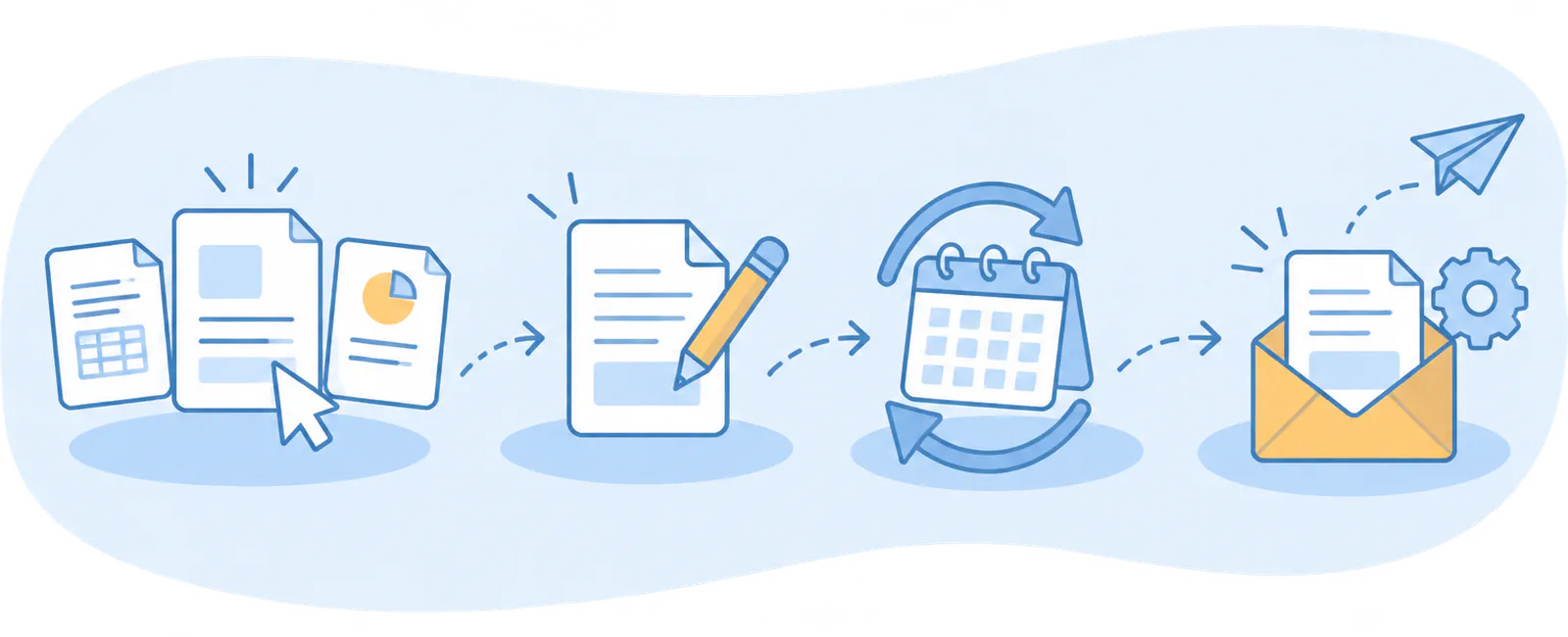
- Choose the type
- Fill in the template
- Set the schedule
- Decide how it goes out
Each month’s documents, without typing them
You set up the task once and FacturaDirecta repeats.
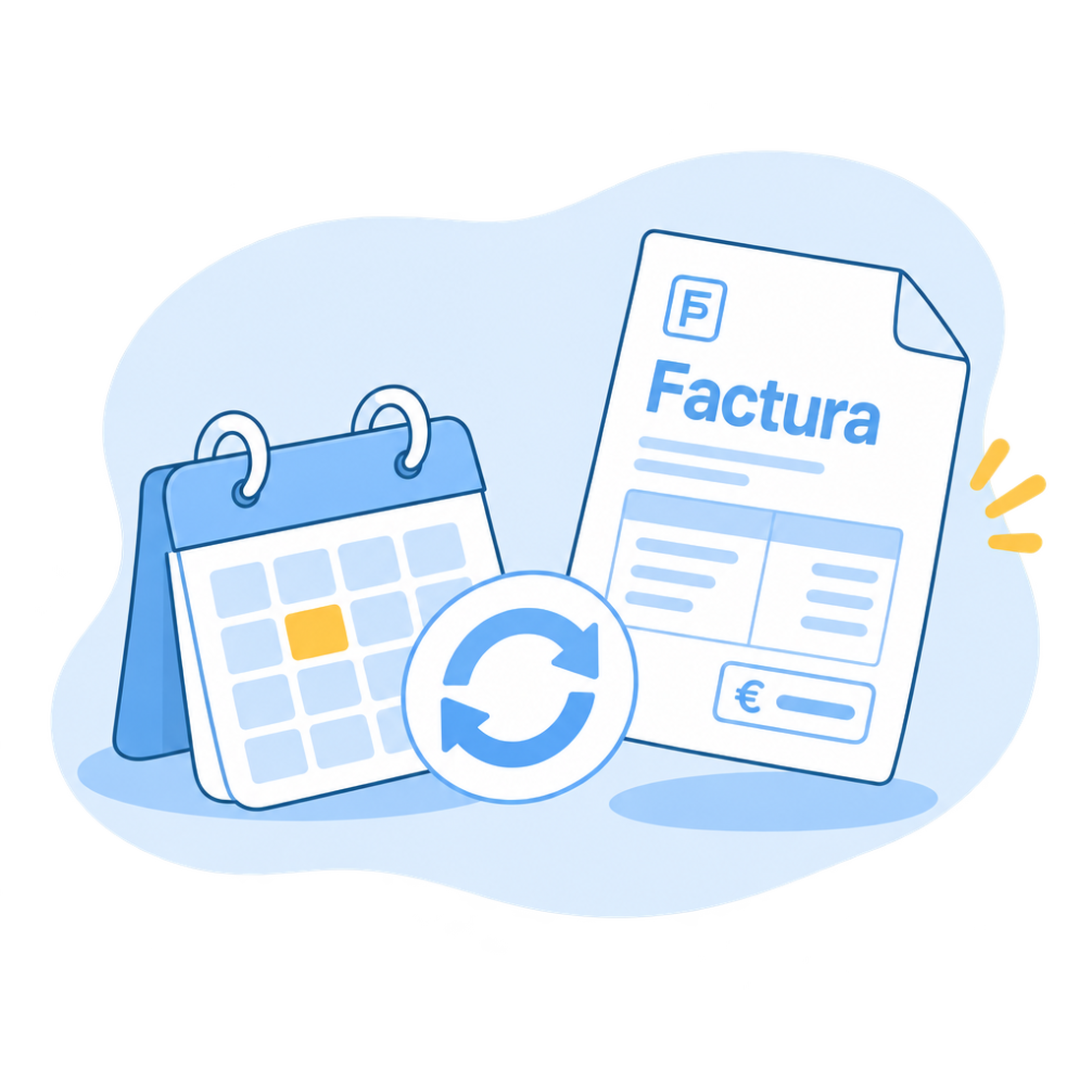
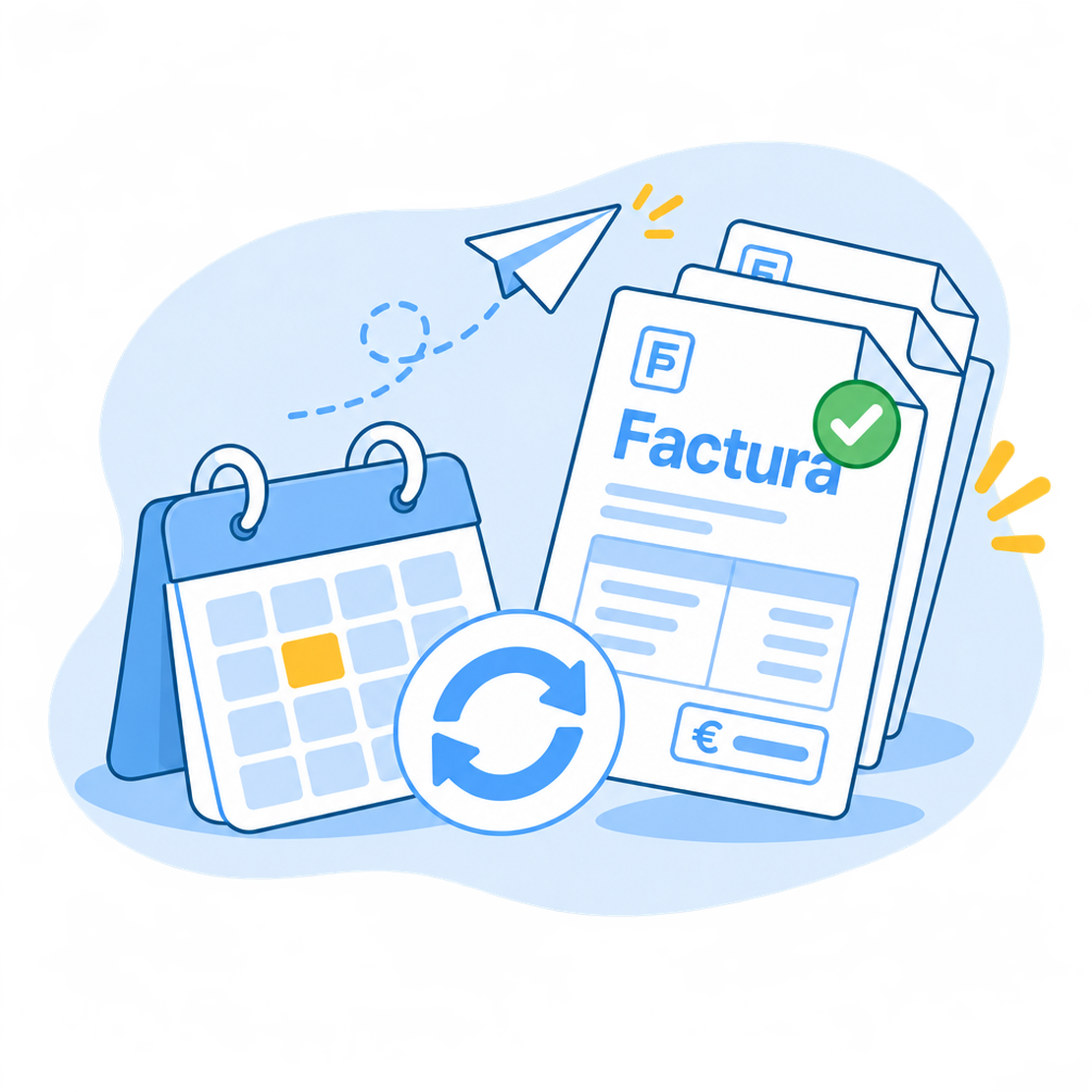
Recurring tasks
You set it up once
You fill in the document as a template and choose how often it repeats and until when.
It’s created on its date
Each document appears in its usual list, with the variables already replaced, and it’s sent if you asked for it.
Change it whenever you like
Changes apply to the next runs and what’s already been created stays untouched. You can pause the task or create the document right now.
Start for free!FAQ
We answer your questions
Answers to the most common questions about recurring tasks and automation in FacturaDirecta.