Banks and reconciliation
Your banks up to date
and every transaction in its place
Link your accounts and cards, get your transactions without downloading them and reconcile them with your invoices and expenses. When you open each transaction, FacturaDirecta suggests what it matches.
Start for free Sign in with Google

Reconcile? Let us explain
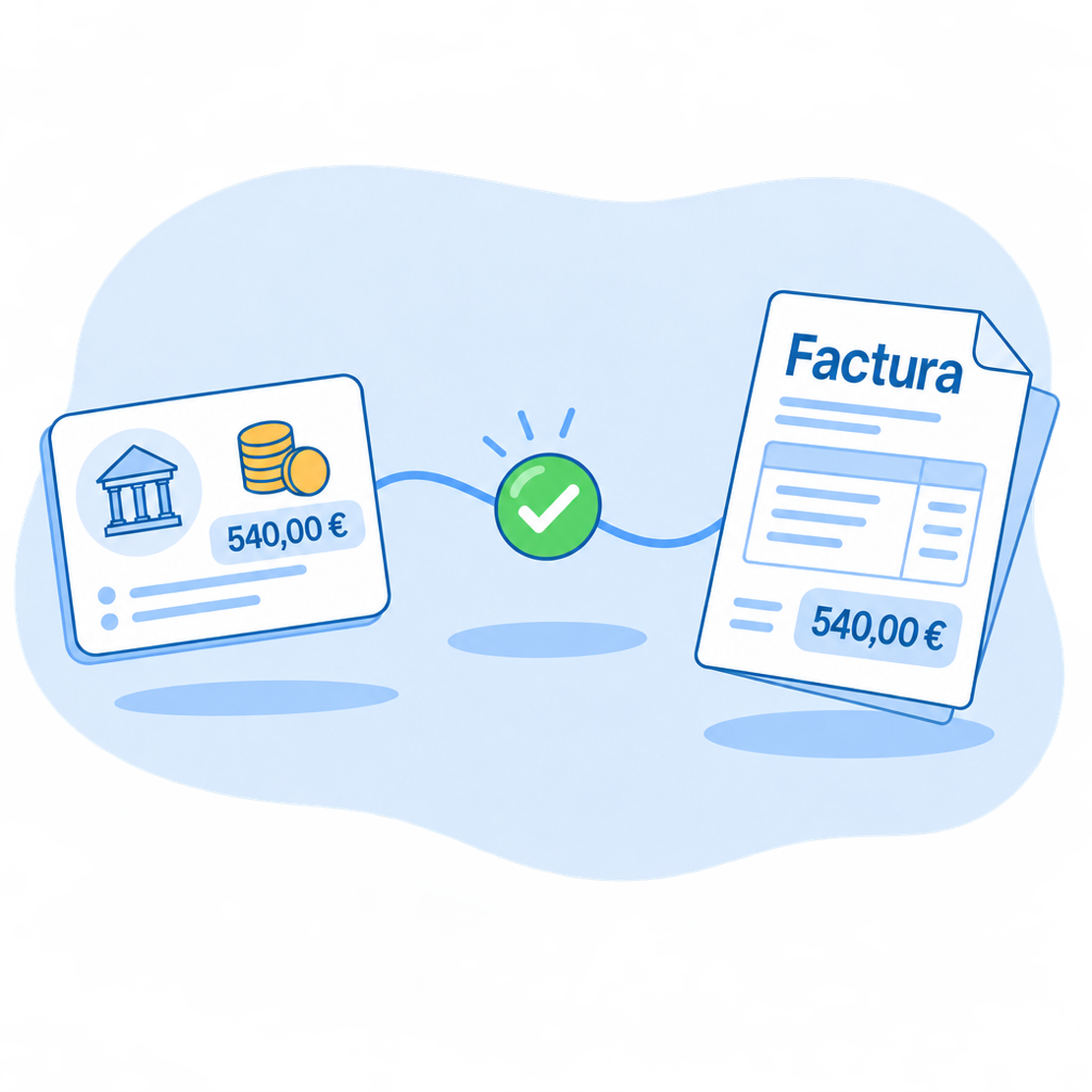
To reconcile is to match every bank transaction with what explains it: a collected invoice, a payment, a transfer, a tax or a bank fee. With everything reconciled, your bank balance and the software’s match.
With FacturaDirecta, transactions arrive by themselves from your bank or with a file, and when you open each one we suggest what it matches. You choose and that’s it.
All included
What FacturaDirecta does for you
From your bank statement to your invoices collected and paid.
Your banks, linked
Choose your bank, authorise access on its website and transactions arrive by themselves. The link is read-only: it can’t move your money.
Cards and cash too
Keep your credit cards, linked when your bank allows it, and your treasury accounts, such as petty cash.
Import your statement
An account you haven’t linked, or older transactions? Upload the statement in CSV, Excel or Norma 43, the Spanish banking format, which we recognise by ourselves.
Suggestions as you open each transaction
Open a transaction and we suggest the collection, payment, pending invoice or transfer that explains it. Choose one and it’s reconciled.
Several invoices, one transaction
A customer pays several invoices at once, or one deposit covers several customers? Tick them all against the same transaction.
Differences adjusted
Did the bank deduct a fee or is there a rounding difference? Adjust the gap as an extraordinary expense or income, or leave the invoice partly collected.
Transactions without a statement
Also record transfers between your accounts, the VAT payment, bank fees, other taxes or customer and supplier advances.
Stripe, like any other bank
Your Stripe account brings its statement, with each charge, fee and payout separately. Portal payments are reconciled when you sync.
Reconciling with FacturaDirecta is this easy
Transactions arrive, you choose and everything adds up.

Reconciliation
Transactions arrive by themselves
With your bank linked, the statement updates regularly without you downloading anything.
We suggest what it matches
Open a transaction and you’ll see the collection, payment, pending invoice or transfer that fits. Choose it in one click.
Everything adds up
With every transaction reconciled, the invoice is marked as collected or paid and your bank balance matches the one in the software.
Start for free!Step by step
How to start reconciling
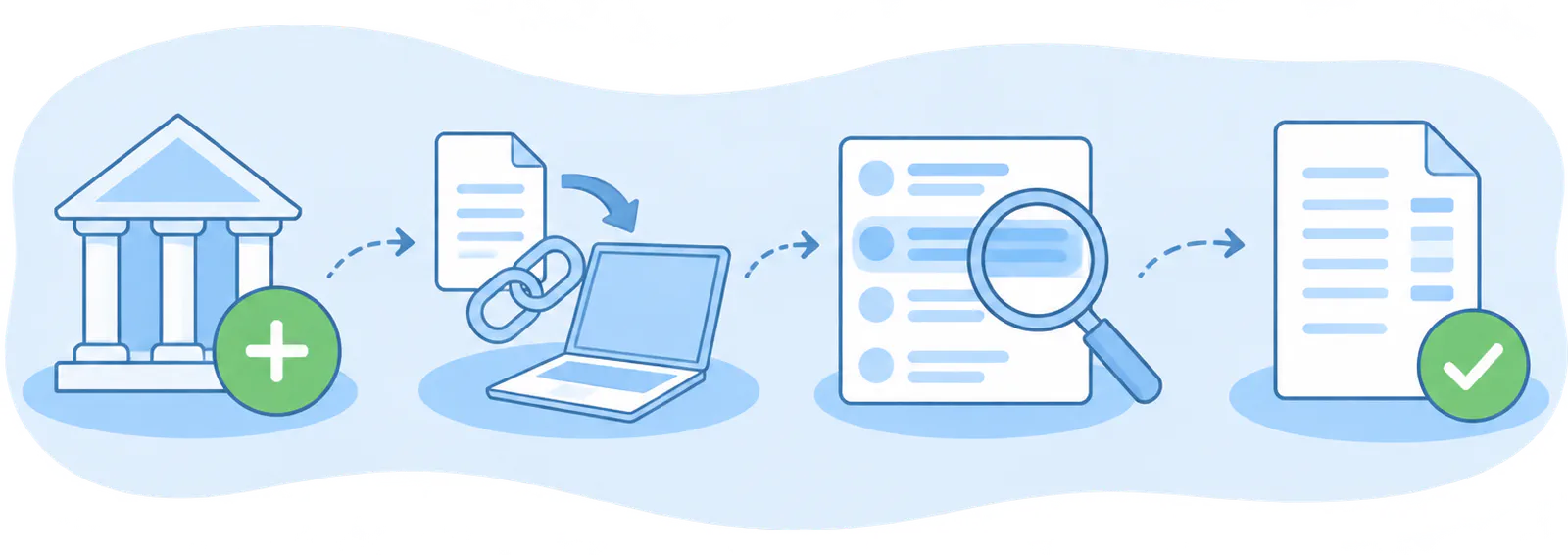
- Add your bank
- Link it or load the statement
- Open each transaction
- Choose and you're done
FAQ
We answer your questions
Answers to the most common questions about banks and reconciliation in FacturaDirecta.