Accounting
Your entries post themselves
while you invoice
Every invoice, expense, payslip, collection and payment creates its entry with the Spanish General Chart of Accounts. Check your balance sheet and P&L anytime, with your advisor in the same program.
Start for free Sign in with Google

Is accounting an uphill struggle?
Keeping the books separately means typing in again what you’ve already invoiced, and waiting until the end of the quarter to see how your business is doing.
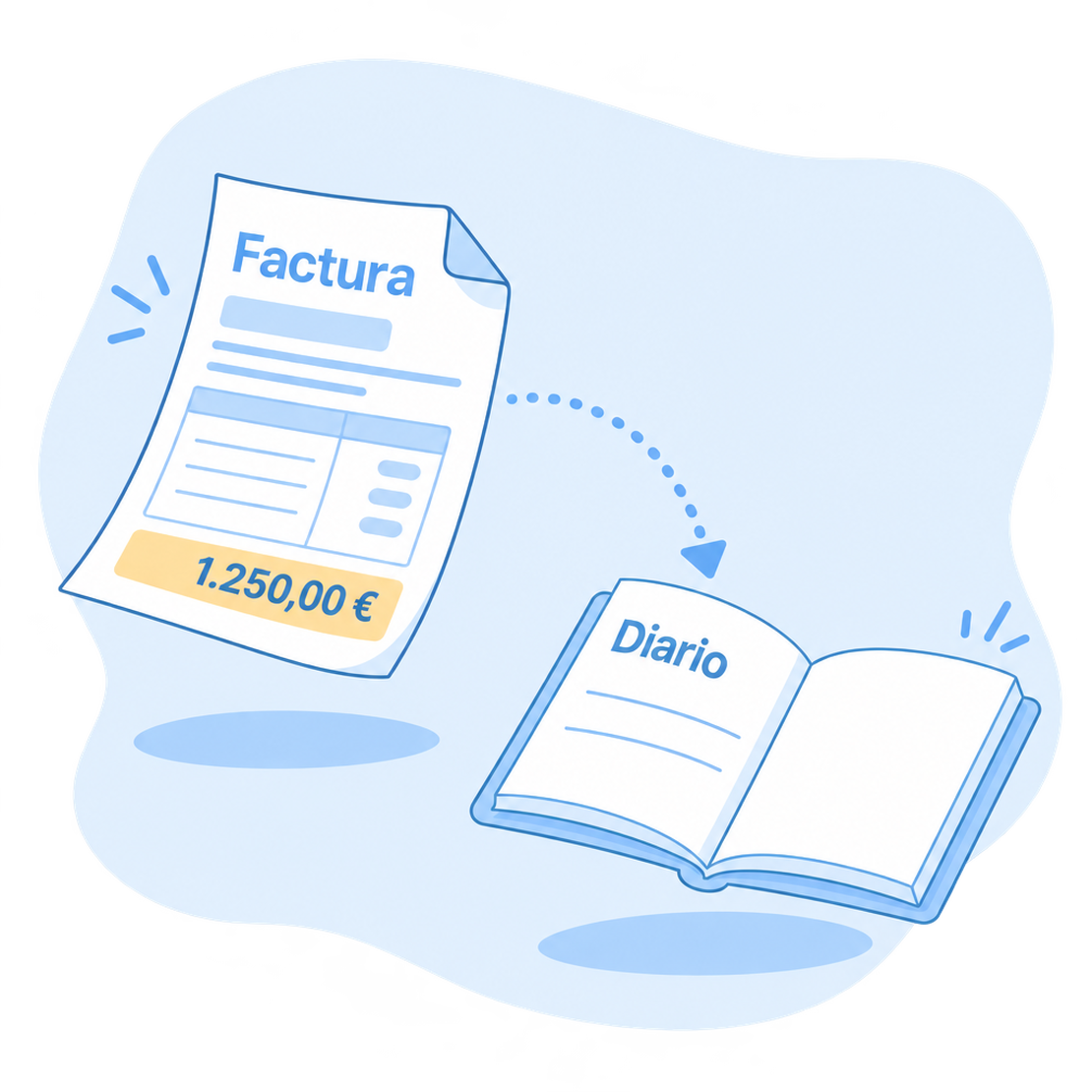
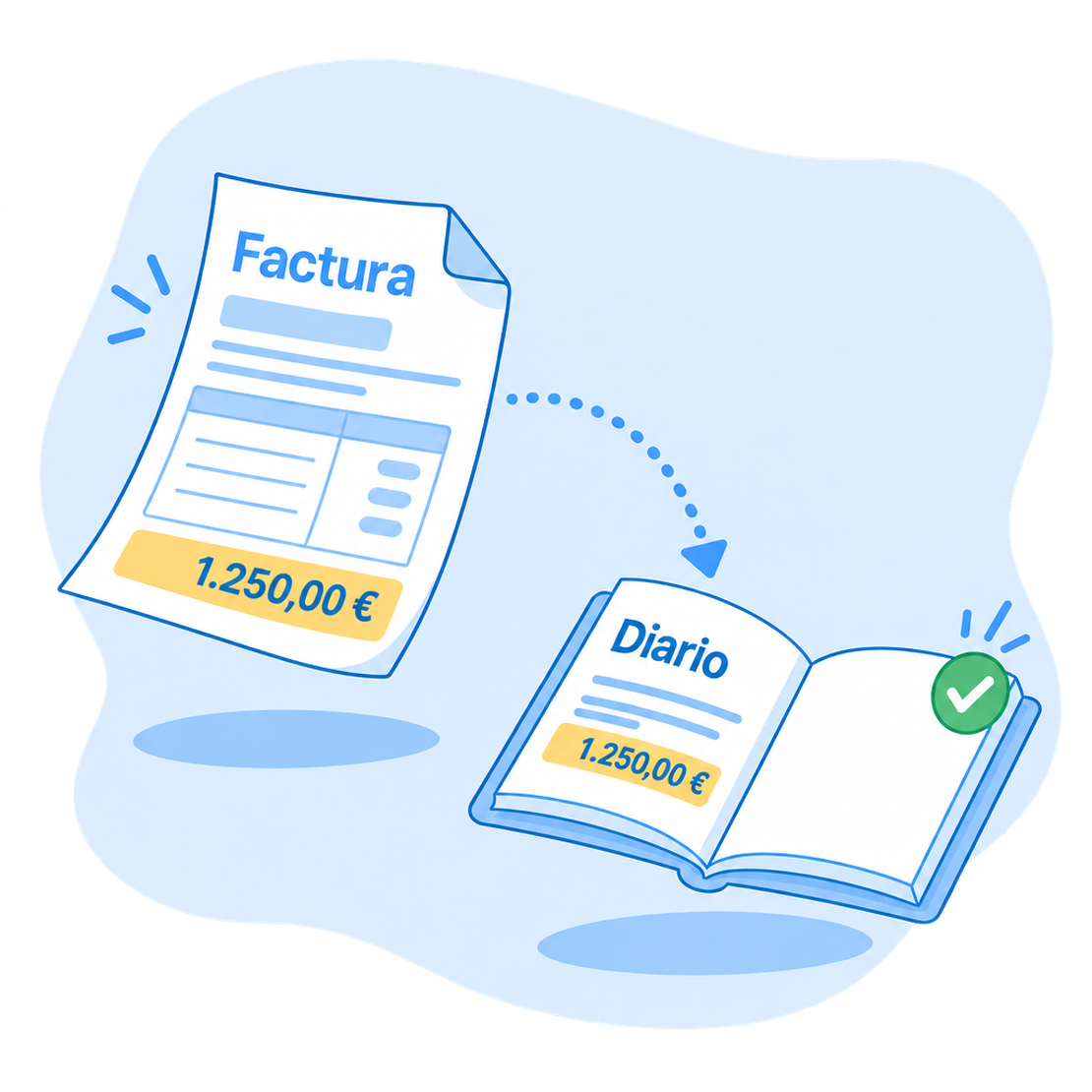
With FacturaDirecta’s full accounting, your documents create their entries instantly. You only record what has no document, like a loan or an adjustment, and your books and reports are always up to date.
Full accounting
What FacturaDirecta does for you
Your company’s accounting, from the first entry to year-end closing.
Automatic entries
Issued and received invoices, payslips, remittances, collections and payments create their entry instantly, from the lines of each document.
Manual and guided entries
Record by hand whatever has no document, or let the wizard prepare the opening, the closing, depreciation or the foreign currency adjustment.
Spanish chart of accounts
Your chart of accounts based on the PGC: choose the default accounts for customers, suppliers, sales or purchases and create the sub-accounts you need.
Balance sheet and profit and loss
With three levels of detail, compared with the previous period or broken down by months, quarters or years. And exportable to Excel, PDF or CSV.
Results by project
Tag your entries and get the profit and loss or the balance sheet of a project, a department or a cost centre.
Official books
Journal, ledger and trial balance, always up to date and ready for your advisor or an audit.
Opening and closing the year
Load your opening balances if you come from another program, and close the year with a wizard that clears income and expenses.
Depreciation
Mark a purchase as a fixed asset and use the wizard to create the annual depreciation entry or the one for an early disposal.
Reconciling with entries
Reconcile your bank transactions against accounting entries too, not just against invoice collections and payments. Discover banks
Your accounting, up to date and without typing twice
Your company’s figures, always current and shared with your advisor.
Full accounting
Kept up to date
Your documents create their entries. And if you need to adjust an invoice’s entry, you edit it by hand.
Your advisor, inside
Invite them with the Advisor role: they work with your accounting, reports and taxes without you sending them anything. And they don’t take a seat: users are unlimited.
Do they use another program?
Export your invoices, collections, expenses and payments to A3 or ContaPlus, even without full accounting.
Start for free!Step by step
How to get started with accounting
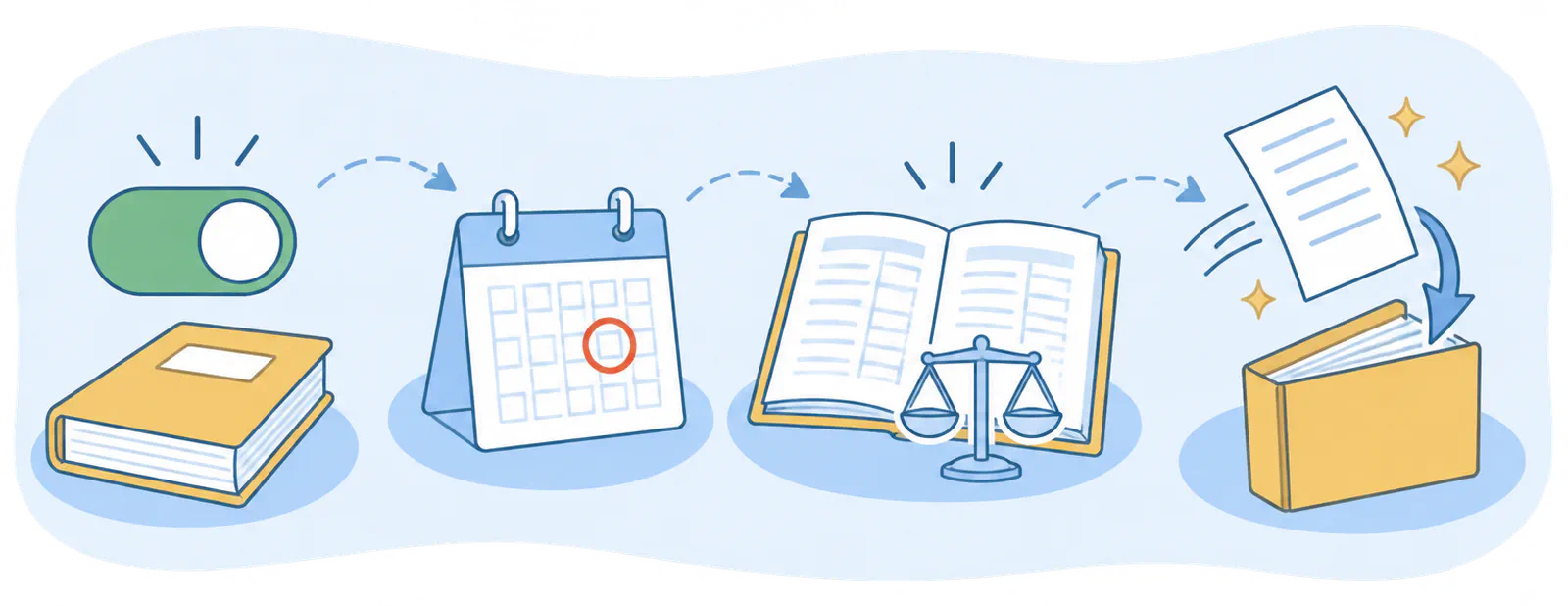
- Turn it on
- Check the start date
- Create the opening entry
- Invoice as usual
FAQ
We answer your questions
Answers to the most common questions about accounting in FacturaDirecta.