Invoicing software
Invoice in seconds,
with everything in order
Invoices, simplified, corrective and proforma invoices with their numbering, their taxes and your customer’s tax ID checked. Send them by e-mail and you’ll know whether they arrived. On every plan, including Free.
Start for free Sign in with Google
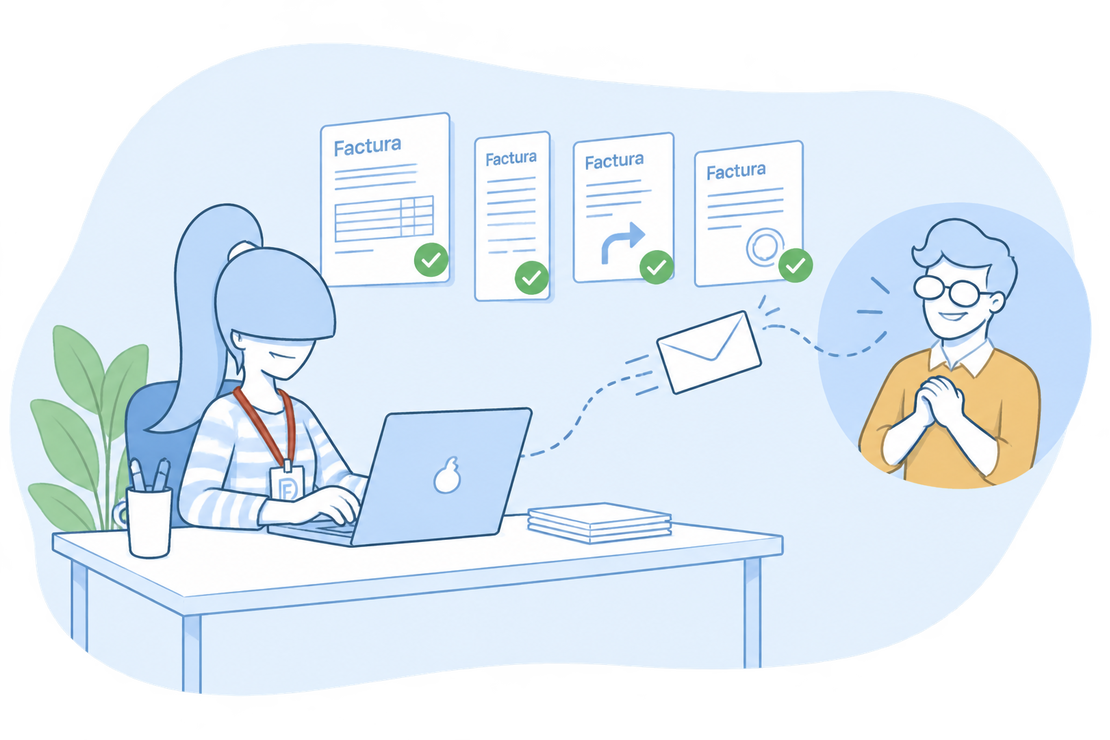
No more afternoons lost to invoicing
Numbering by hand, double-checking the VAT, hunting for the customer’s tax ID, wondering whether the e-mail got there… Invoicing with a spreadsheet or a word processor is slow and mistakes slip in easily.
With FacturaDirecta you pick the customer, add the lines and save: numbering, taxes and totals work themselves out and, if you have VeriFactu on, the record is sent without you lifting a finger.
Every kind of invoice
Every kind of invoice, in one program
Each one with its number, its taxes and its tax details, whatever your case.
Draft and final
Save it as a draft to review it and, when it’s ready, as final: that’s when it gets its number. You choose how new invoices are created by default.
Simplified and substitutive
Leave the customer empty and you issue a simplified invoice. If you’re later asked for a full invoice, the substitutive invoice keeps the receipts linked.
Corrective invoices by difference
Correct an issued invoice from the invoice itself, with positive or negative amounts and in its own corrective series. And offset it against the original if no money changes hands.
Proforma invoices
Send a proforma invoice before the sale, with the amount and the terms and no tax validity. Once it’s confirmed, you turn it into an invoice.
Series and automatic numbering
One series per activity or brand, with its own template, a yearly reset and corrective series. Coming from another program? Carry on from your last number.
Due dates
Split the payment into several instalments and follow each one: paid, partial, pending or overdue. The instalments appear on the PDF.
Withholding and equivalence surcharge
Add the IRPF withholding that applies to you. The equivalence surcharge for your retailer customers is suggested automatically if you set it on their record.
Tax ID checked with the AEAT and VIES
When you enter a customer’s tax ID we check it with the Spanish Tax Agency or, for an EU VAT number, with VIES. Your invoices go out with the right tax details.
In other currencies
Invoice in your customer’s currency with its exchange rate. Your accounts stay in euros.
Send your invoices and know they arrived
The e-mail goes out from FacturaDirecta, with your sender and your message, and it’s logged on each invoice.
Sending by e-mail
The message, ready to go
The subject and text from your template, the customer’s e-mails, the PDF attached and the Facturae if your customer asks for it. Check the preview and send.
Delivery tracking
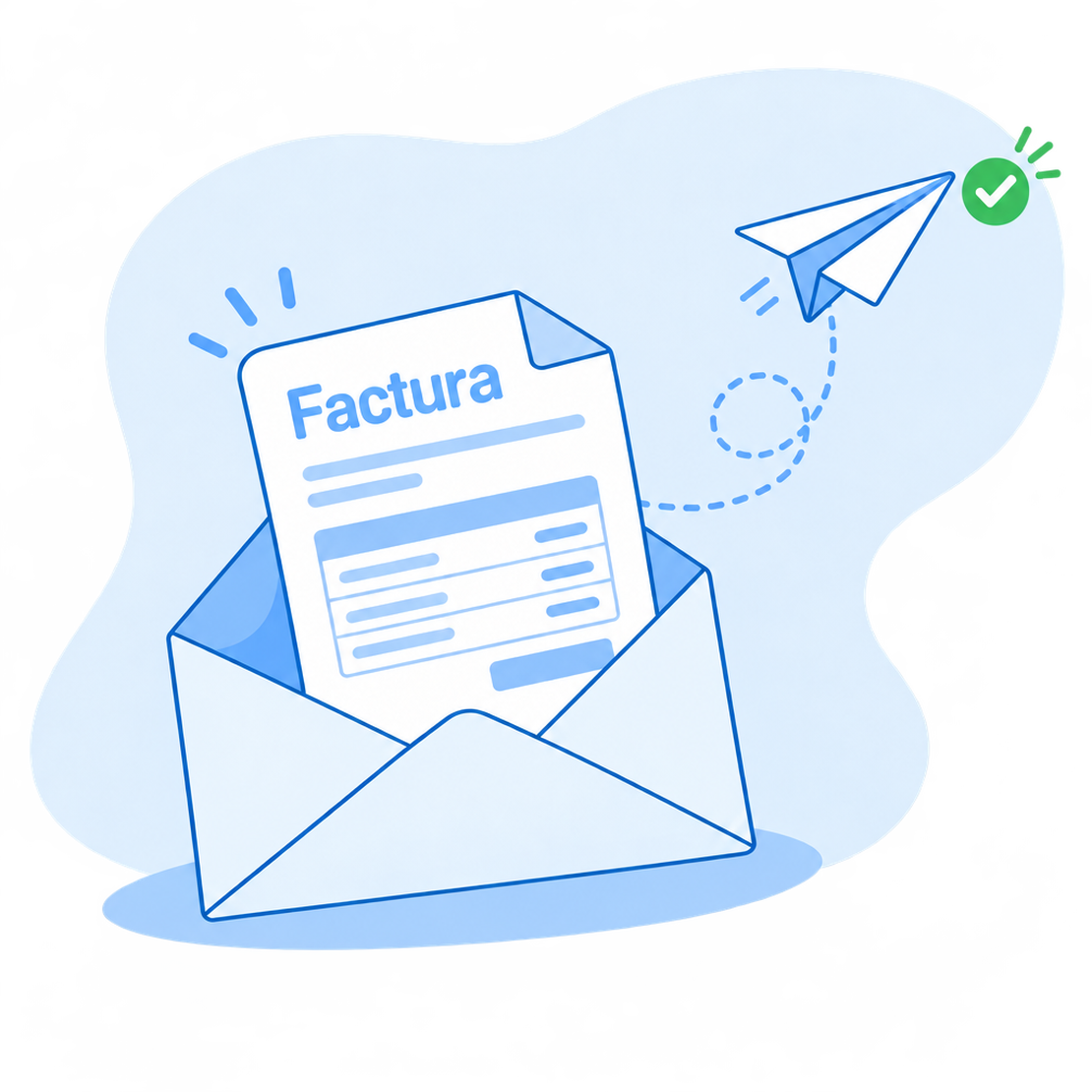
In the invoice’s activity you see when it was sent and whether your customer’s mail server delivered it or rejected it, with the reason.
Bulk sending
Send several invoices at once, each with its own template. If any has no e-mail address, we let you know and leave it out.
Start for free!Step by step
How to create an invoice
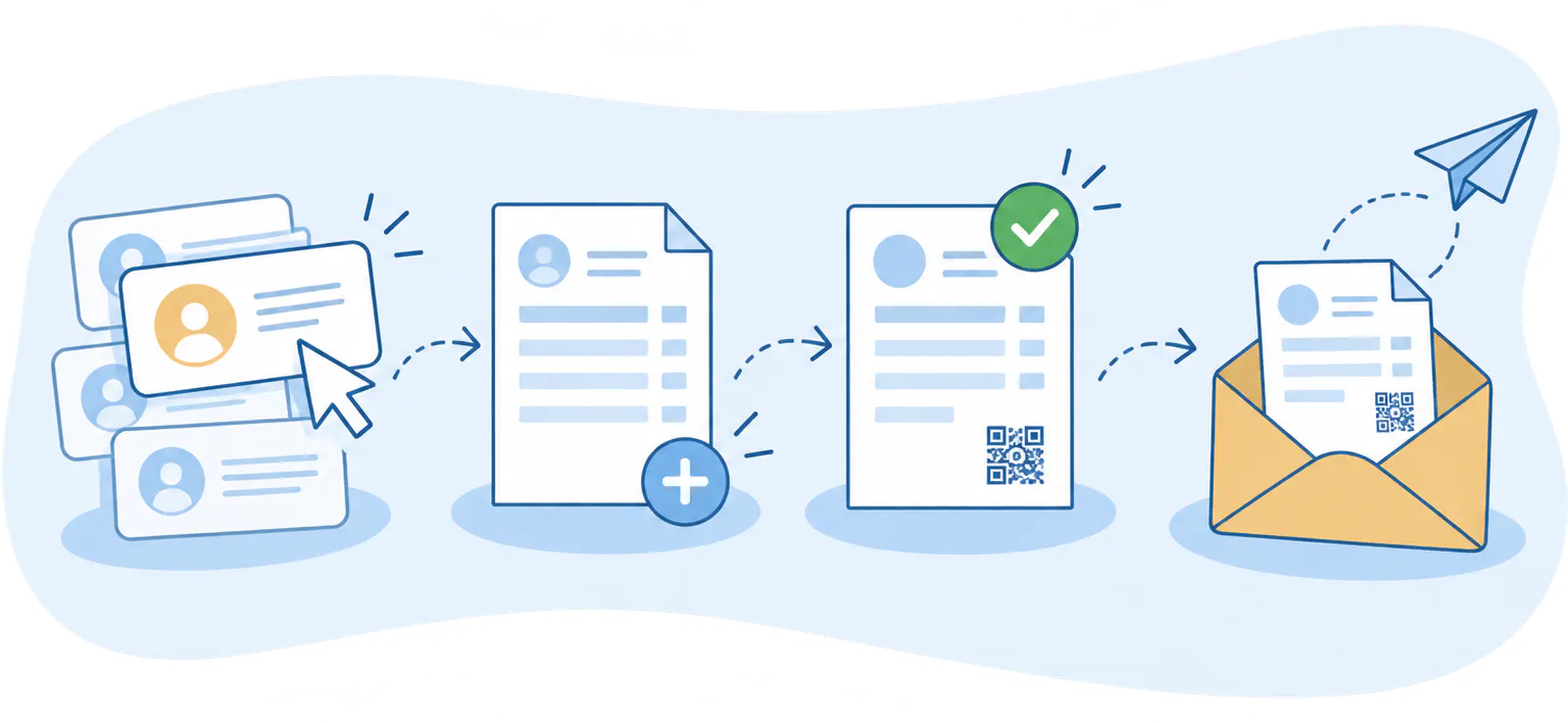
- Pick the customer
- Add the lines
- Save it
- Send it
On video
How to create your first invoice
Create a client, add invoice lines and amounts, send your invoice by e-mail or print it in seconds.
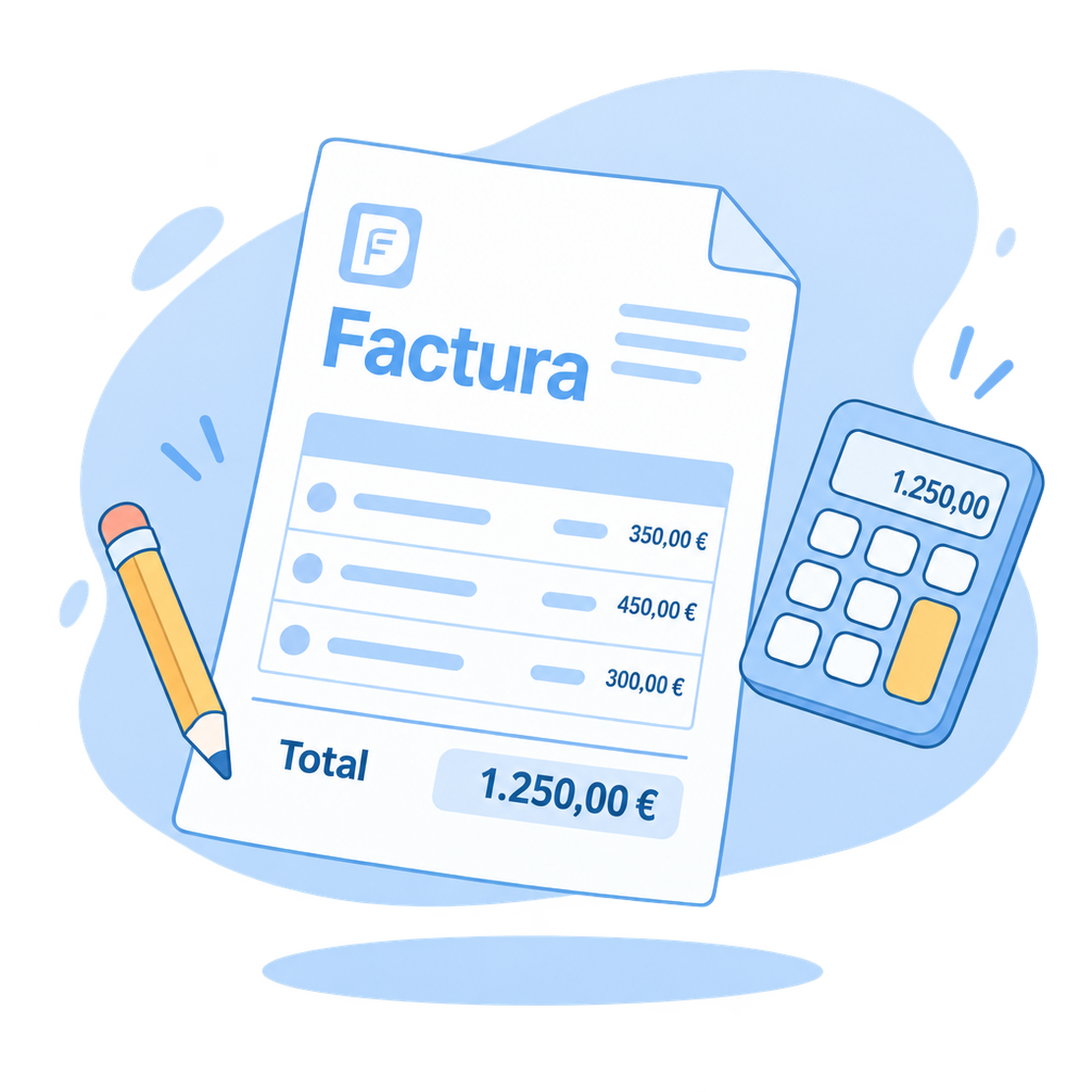
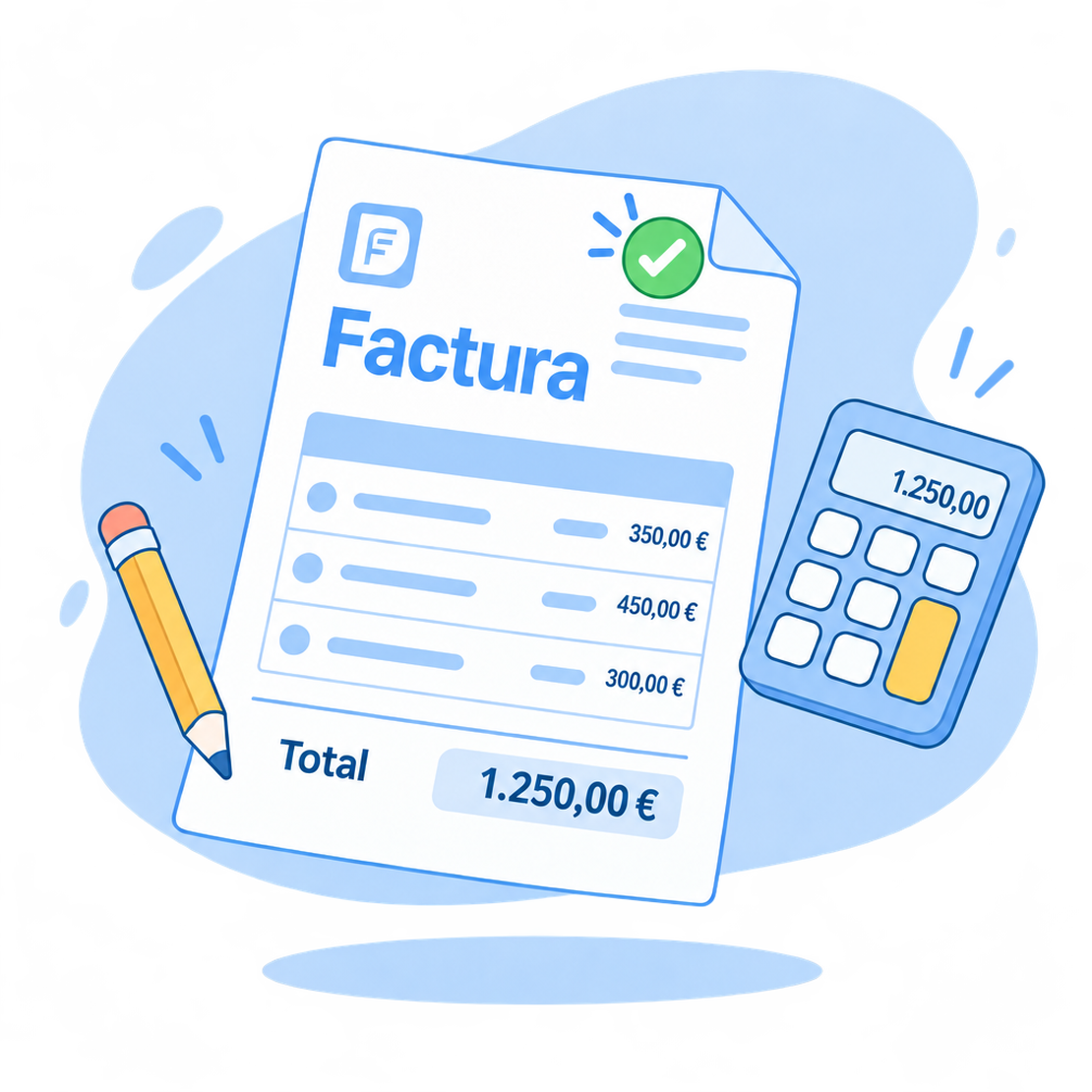
Your image, right in your customer’s inbox too
Invoices with your brand, sent from your address and signed.
Senders, signature and templates
Your senders
Choose the sender of each e-mail from your company’s senders and blind-copy all of them to your accountant. And if you like, your e-mails go out with your own domain, DKIM-signed, or through your SMTP server.
Signed PDF
Digitally sign the PDF of your invoices, estimates and delivery notes with FacturaDirecta’s certificate or your own.
With your design
Choose from 24 designs, add your logo and colour, and issue each document in your customer’s language. Discover the templates.
Start for free!FAQ
We answer your questions
Answers to the most common questions about invoicing with FacturaDirecta.