Expenses and purchases
Record your expenses
without typing every amount
Take a photo, forward the email or drop it in your Google Drive: the AI scanner reads every invoice and every receipt, and you just review it. With deductible VAT, due dates and payments under control.
Start for free Sign in with Google
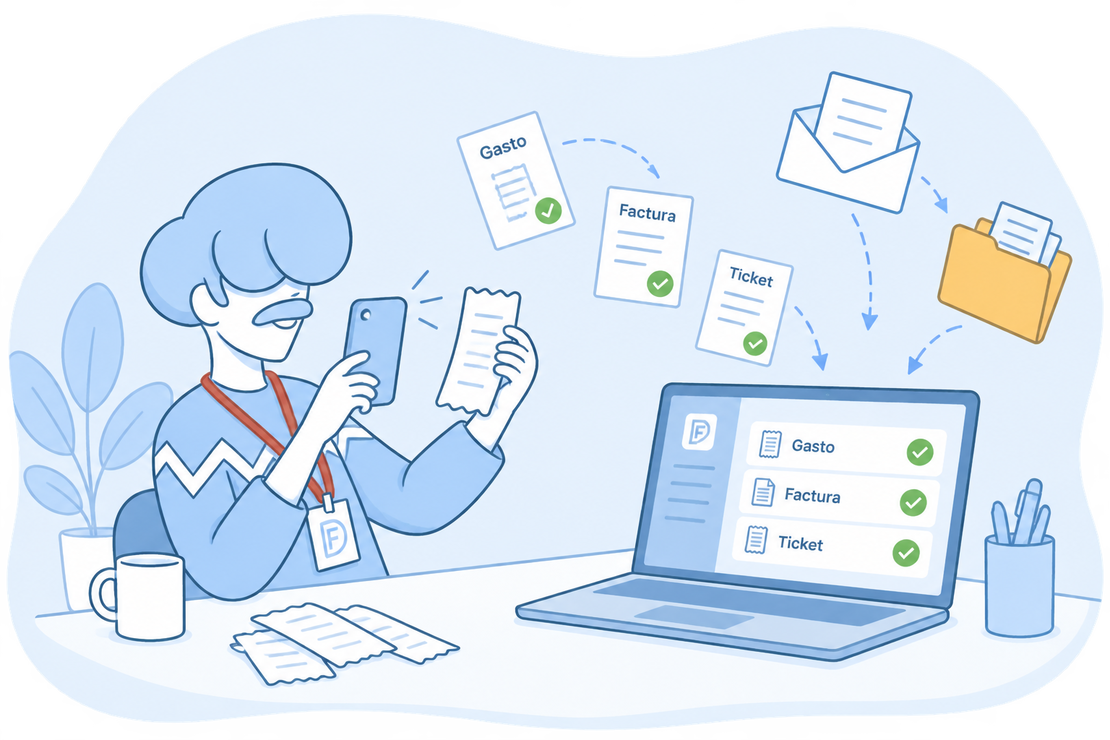
Invoices in your inbox and receipts in your wallet?
Your suppliers’ invoices arrive by email, on paper or in your accountant’s folder, and receipts end up at the bottom of your wallet. Whatever you don’t record, you can’t deduct its VAT and it doesn’t count in your taxes.
With FacturaDirecta, everything reaches the Purchase Scanner: from your phone, computer, expense inbox or Google Drive. AI reads it, you review it and it’s recorded, ready to pay and ready for your taxes.
All included
What FacturaDirecta does for you
From the supplier’s document to your taxes, without typing anything twice.
AI purchase scanner
Upload a PDF or a photo and AI suggests the supplier, dates, amounts and lines. You review it and save it.
Expense inbox by email
Your company has its own address: forward the invoices and receipts you get there and they land in the scanner by themselves.
Your Google Drive folder
Link a folder and any new files you drop in it reach the scanner. Perfect if your accountant leaves your invoices there.
Incoming Facturae, straight in
If your supplier sends you a Facturae e-invoice, we read it directly as a purchase invoice: the file already holds the complete invoice.
Every document in its place
A purchase invoice to deduct VAT, with non-deductible VAT line by line, import VAT, equivalence surcharge or withholdings. For receipts, a simpler Ticket.
Due dates and payments up to date
Split the payment into instalments and see what’s pending or overdue. Pay it from the invoice, several at once from the list or by reconciling the bank transaction.
Your self-employed fee, every month
Record it as an expense so it counts among the expenses of your Modelo 130, and schedule a recurring task so it’s created by itself every month.
Payrolls recorded and paid
Record the payrolls your accountant calculates, or scan them. Pay them one by one or all together with a SEPA batch, and their withholdings go to Modelos 111 and 190.
Investment assets
Mark the purchase as depreciable and you get its depreciation schedule. If you keep your accounts in FacturaDirecta, a wizard creates the yearly entry.
Recording an expense with FacturaDirecta is this easy
You upload the document, review it and that’s it. We take care of the rest.


Expenses and purchases
Upload it however suits you
A photo from the app, a file from your computer, an email to your inbox or a Google Drive folder: it all reaches the same scanner.
AI reads it, you review it
We tell you whether it’s an invoice, a receipt or a payroll and suggest its data. Nothing counts in your taxes until you save it.
Ready to pay and declare
Every expense keeps its supporting document attached and stays pending until you pay it or reconcile it with the bank.
Start for free!Step by step
How to record an expense with the scanner
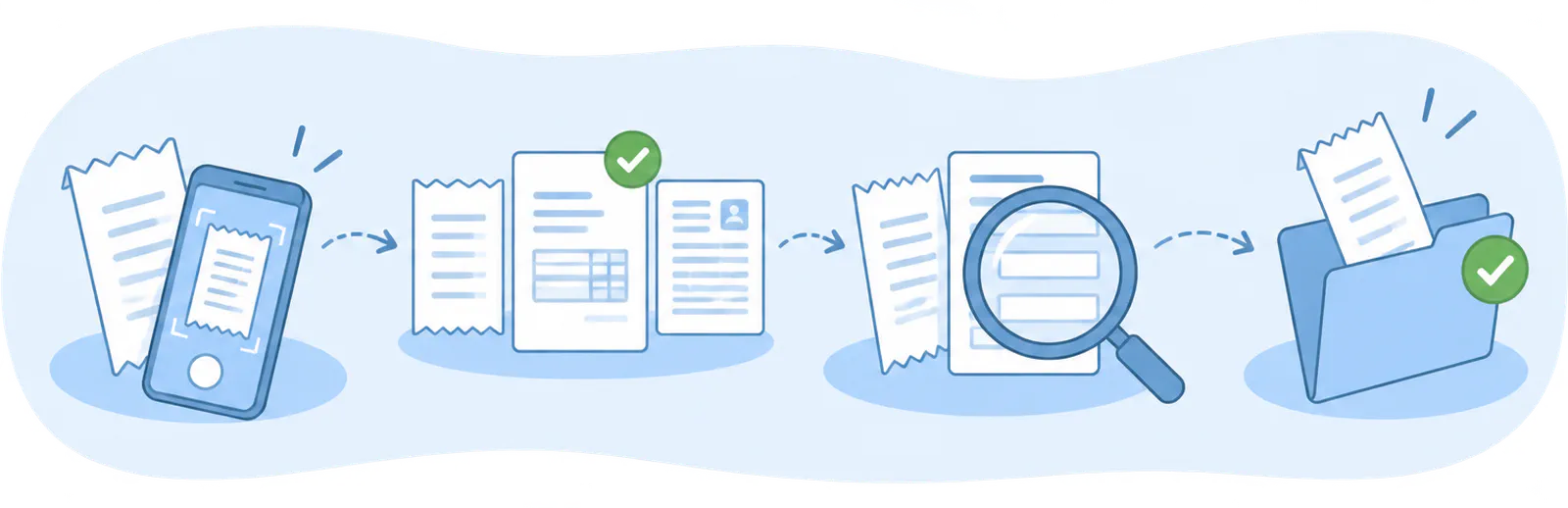
- Upload the document
- Choose what it is
- Review the data
- Save it
FAQ
We answer your questions
Answers to the most common questions about expenses, purchases and payrolls in FacturaDirecta.