Taxes
Your tax forms,
worked out from what you’ve invoiced
FacturaDirecta prepares Form 303, Form 130, Form 111 and the other usual forms from your invoices, expenses and payslips. You review and file. On every plan, including Free.
Start for free Sign in with Google

The quarter arrives and your form is ready
Filling in forms by hand means repeating sums that are already in your invoices, and a mistake in a box is costly.
With FacturaDirecta, your taxes come from what you’ve already recorded: you choose the form and the period, review the result box by box and download the file to file it with the Spanish Tax Agency.
Forms and books
What FacturaDirecta does for you
Your taxes come from the documents you’ve already recorded.
VAT forms
The quarterly 303 and the annual summary 390, with the output VAT from your sales and the input VAT from your purchases and expenses.
Income tax instalments
Form 130 for the self-employed under direct assessment, with the quarter’s income, deductible expenses and withholdings.
Withholdings
Form 111 for professionals and payslips, Form 115 for rent and their annual summaries, Forms 190 and 180.
Third parties and EU operations
Form 347 for operations with third parties and Form 349 for intra-community operations.
Corporate income tax
Form 202, the corporate tax instalment payment, from your full accounting data.
VAT books
The output and input VAT books, invoice by invoice and for the period you need.
AEAT unified registry book
The year’s issued and received invoices and income tax withholdings in one Excel file in the Tax Agency’s format, in case it asks for it.
Tax summary
Before filing, see at a glance the output and input VAT and the income tax you withhold or have withheld in the period.
Form history
Every saved form stays in your list, with its receipt attached. If you change a document in the period, recalculate it.
File your taxes without surprises
The forms fill themselves in from your invoices and expenses. You just review and file.
Tax forms
Choose form and period
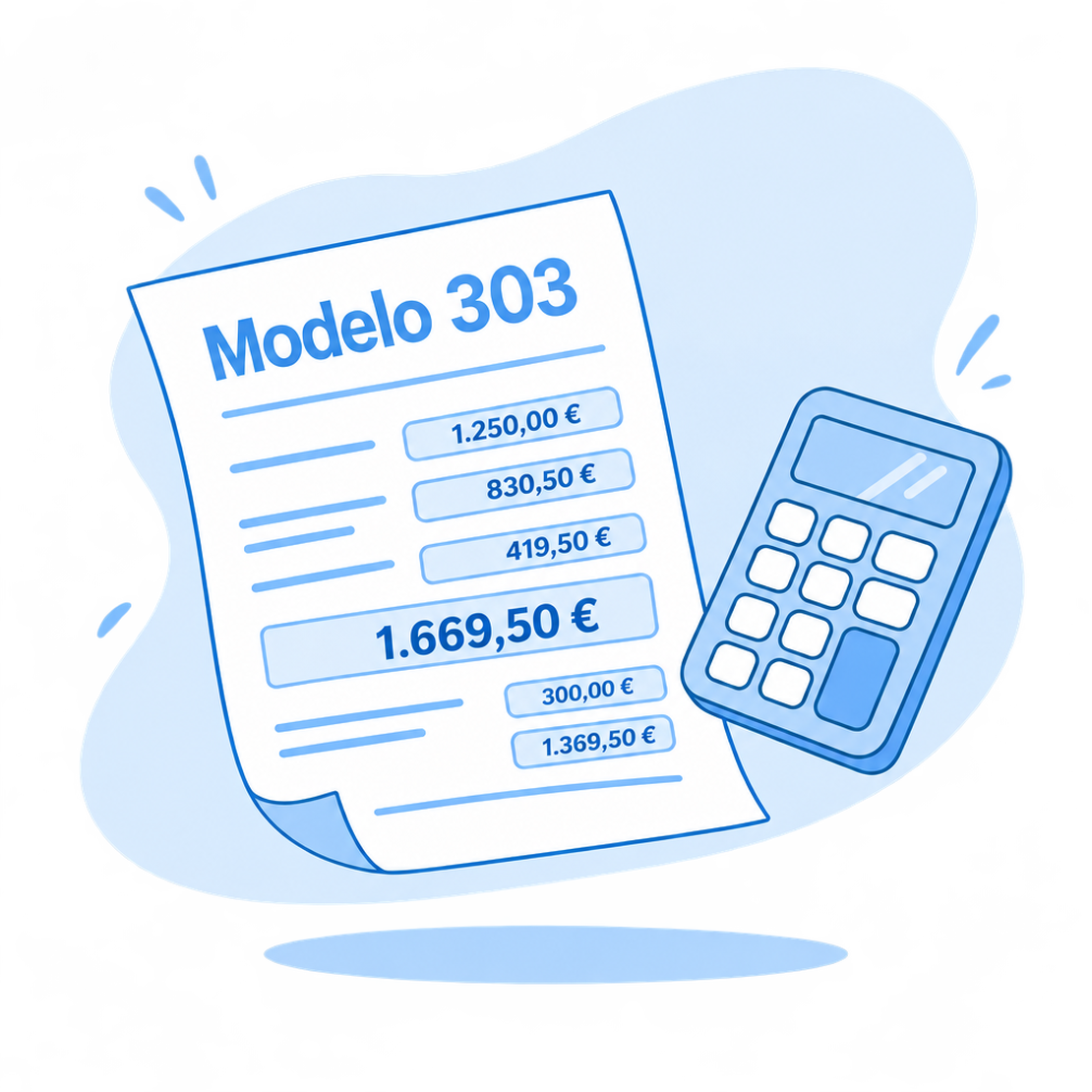
You choose the form, the year and the quarter, and FacturaDirecta calculates it from the period’s documents.
Review the result
See the amount and the breakdown by box. If the form has options it doesn’t calculate by itself, such as the pro-rata rule, it warns you so you can review them.
Download the AEAT file
Save the form, download its file and upload it to the Tax Agency’s website. Form 390 is filled in on the Tax Agency’s website with the values we give you.
Start for free!Step by step
How to generate a form
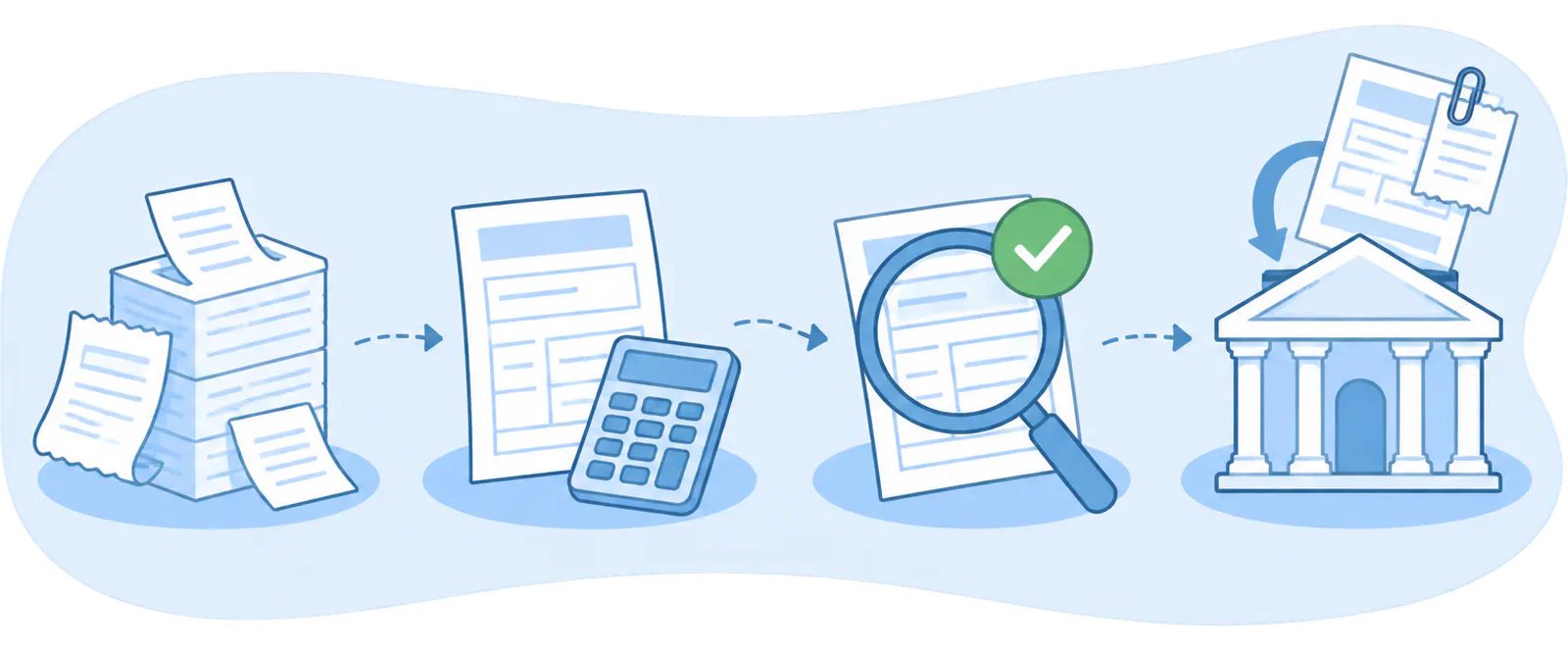
- Record your documents
- Generate the form
- Review and save
- File and attach
Taxes on video
This is how you generate a form in FacturaDirecta
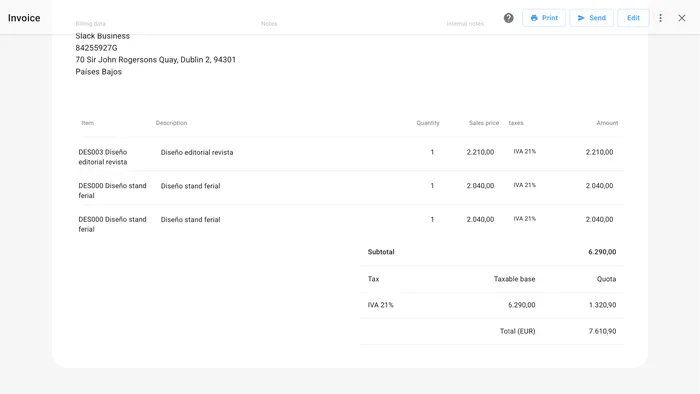
In this video we show you how a form is generated: you choose the form and the period, review the result and download the file for the AEAT.
FAQ
We answer your questions
Answers to the most common questions about taxes in FacturaDirecta.