Reports
Find out how your business is doing
without building a spreadsheet
Sales, collections, expenses, taxes and accounting, in an instant from your invoices. Ask whatever you want, see how much you’ll have in the bank and get your reports by email every week or every month.
Start for free Sign in with Google


Your numbers, scattered across spreadsheets?
To find out who owes you money, which customer buys the most or how much you’ll have in the bank at month-end, you export lists and cross them in a spreadsheet. By the time it adds up, the data has changed.
With FacturaDirecta, Reports come straight from your invoices, purchases, payments and accounting, on screen, as a PDF or in Excel. And if the question is yours, the Custom query answers it.
All included
What FacturaDirecta does for you
Your business questions, answered in an instant.
All your reports, by area
Business summary, sales and customers, collections and payments, purchases and expenses, taxes and accounting. Search them by name and star your favourites.
A query made to measure
Choose what to analyse (invoices, purchases, lines, contacts or accounting), which figures to see, how to group them and the period. With its chart, in an instant.
Compared with last year
Put each figure next to the previous period or the same period last year, with the difference and the change, or break it down by months, quarters or years.
Cash flow forecast
Your bank balance today, plus what you’re going to collect and minus what you’re going to pay, week by week or month by month. So you see an overdraft coming in time.
Who owes you, and since when
Outstanding collections by customer and by age, and the days each customer takes to pay you. The same for what you owe your suppliers.
The margin on what you sell
What you earn on each product and each customer, based on the purchase price of your products.
Your queries, saved
Save your reports with their filters and period and come back to them in one click, without setting them up again.
In your inbox, every week or every month
Schedule a query or a report and get it as a PDF or in Excel on Mondays or on the 1st, for the period you choose: last month, the quarter, the year…
On your Home screen
Turn a query into a Home card that follows the dashboard period, next to invoicing by customer, average days to collect or the cash flow forecast.
Your numbers, without spreadsheets
You choose, you look, you decide. We take care of the rest.


Reports
In an instant, with your data
Every report is calculated from today’s invoices, purchases, payments and entries. The figures match your lists and your accounting.
Your question, your report
If there’s no report for what you’re looking for, the Custom query builds it: your best customers, sales by province, expenses by account…
Ready to share
Print it or download it as PDF, Excel or CSV, with its chart, for your accountant, your partner or your bank.
Start for free!Step by step
How you get a report
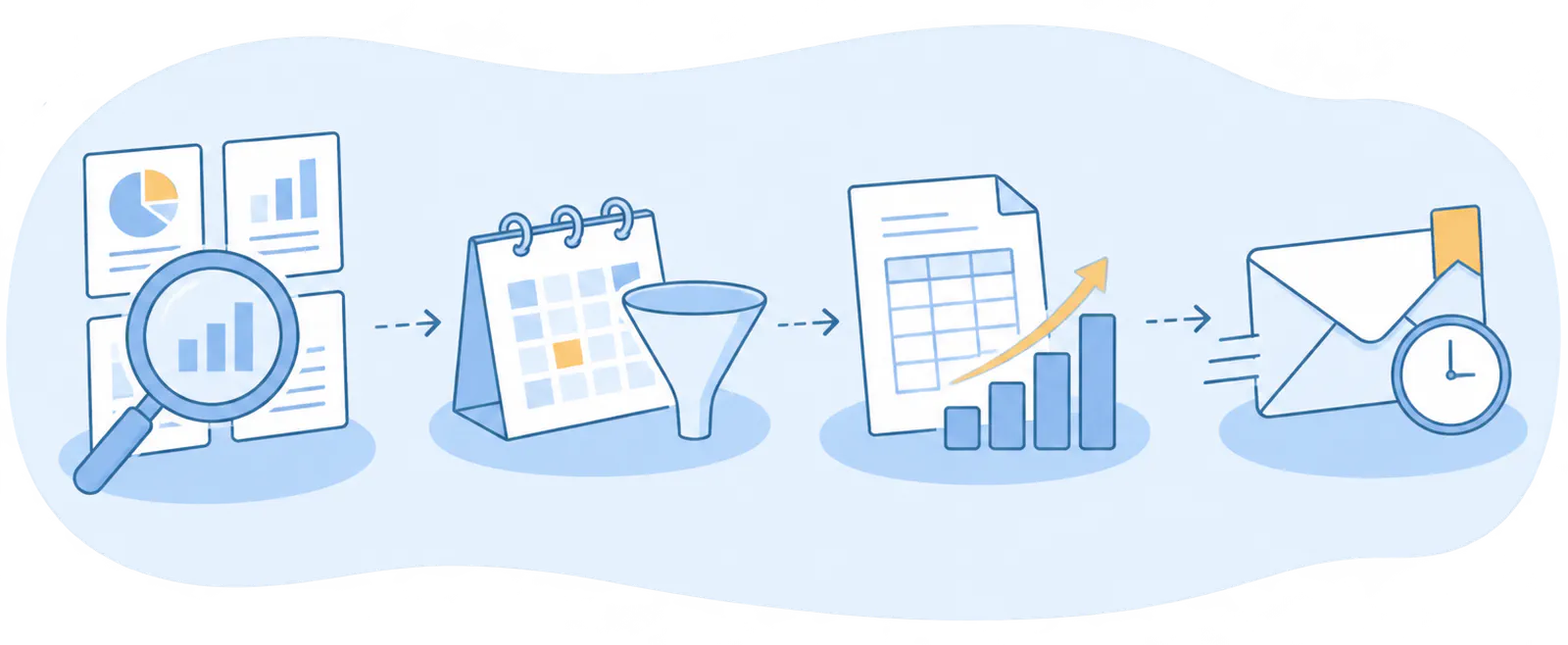
- Pick a report
- Set the period and the filters
- See the result
- Save it or schedule it
Reports
Find your business figures in two minutes
Browse the reports by area, change the period, export them and see how much money you’ll have in the bank over the coming weeks.

Frequently asked questions
We answer your questions
Answers to the most common questions about FacturaDirecta’s reports.