Invoice templates
Invoices with your brand,
in each customer’s language
Choose from 24 designs, add your logo, colour and texts, and every invoice, estimate or delivery note prints in its customer’s language. On every plan, including Free.
Start for free Sign in with Google
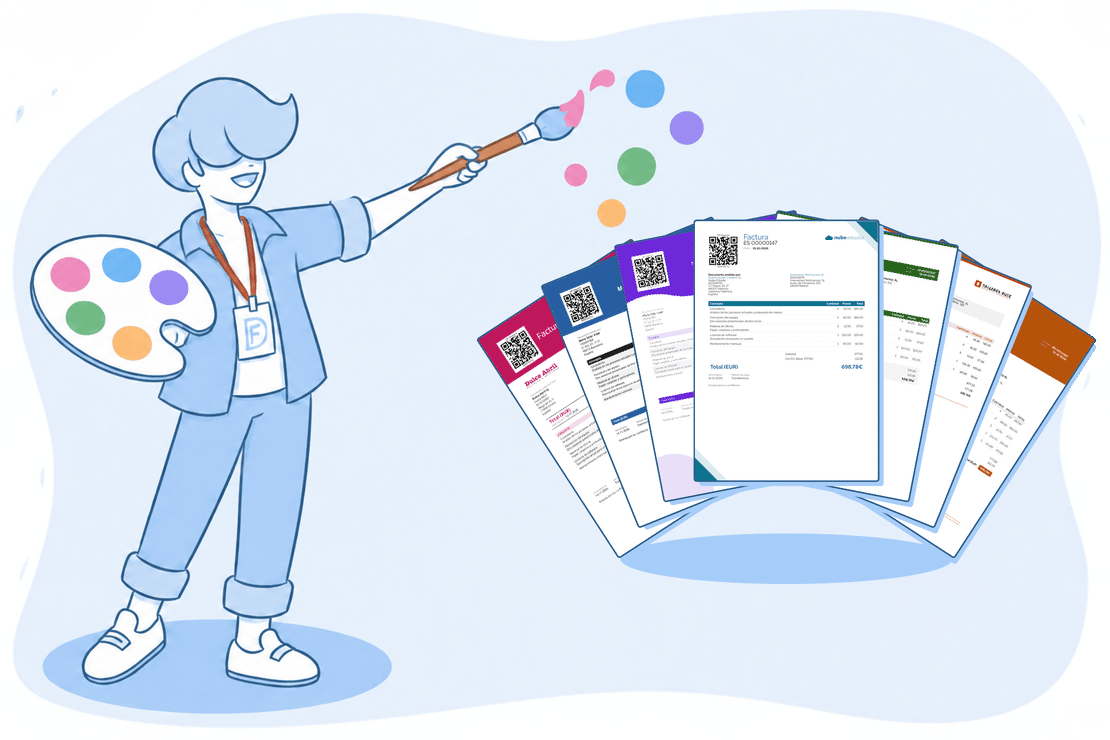
Your invoice speaks for you too
The invoice is the last thing your customer receives and the thing they keep. If it comes from a generic template, or you keep one copy per language and have to remember which to use, it shows.
With FacturaDirecta templates you pick a design, brand it and add languages. Then each series uses its template and each customer gets their language. They work for your invoices, estimates and delivery notes.
Templates
What FacturaDirecta does for you
Your own design for your invoices, estimates and delivery notes, no design skills needed.
24 designs to start from
From the most understated to the most colourful: pick one in the gallery and make it your own.
Your brand, your way
Your logo or your name, your colour, 6 typefaces, the margins, the header, the lines table, the totals and the payment area, plus bars, shapes or a background image.
Blocks in the order you want
Drag what goes under the header: lines, totals, due date and payment method, notes, your custom fields, the signed receipt of delivery notes and free texts. Required blocks can be moved, but not removed.
Several languages in one template
Add languages to the template and write their texts. Labels and e-mail messages already come translated into 9 languages.
Each customer’s language
Set the language on the customer’s record: their invoices, estimates and delivery notes print and are sent in that language.
A real preview
See the PDF while you change the template, as an invoice, estimate, proforma or delivery note, and over two pages to check how it continues.
One template per series
A default one for everything, another for each brand or activity through its series and, if needed, another on a single document.
Texts for each document
Their own footer, terms and e-mail message for invoices, estimates, pro forma invoices, delivery notes and orders. And estimates without totals or delivery notes without prices when you need them.
Invoices that always comply
Even if you hide a field, the invoice prints its number, date, total, issuer and, except on simplified invoices, the customer. And we warn you if a colour will be hard to read, if you hide a required field or if a typeface lacks the alphabet of one of your languages.
Your template, ready in minutes
No design skills needed, and you see the result all the time.


Templates
Pick a design
Browse the gallery and keep the one you like best. If you change design later, you keep the order of your blocks, while the colour, typeface and the rest of the look switch to the new design’s.
Make it yours
Logo, colour, typeface, header and blocks, with the PDF preview alongside.
Speak your customers’ language
Add the languages you need: each document prints and is sent in its customer’s language.
Start for free!Step by step
How you create your template
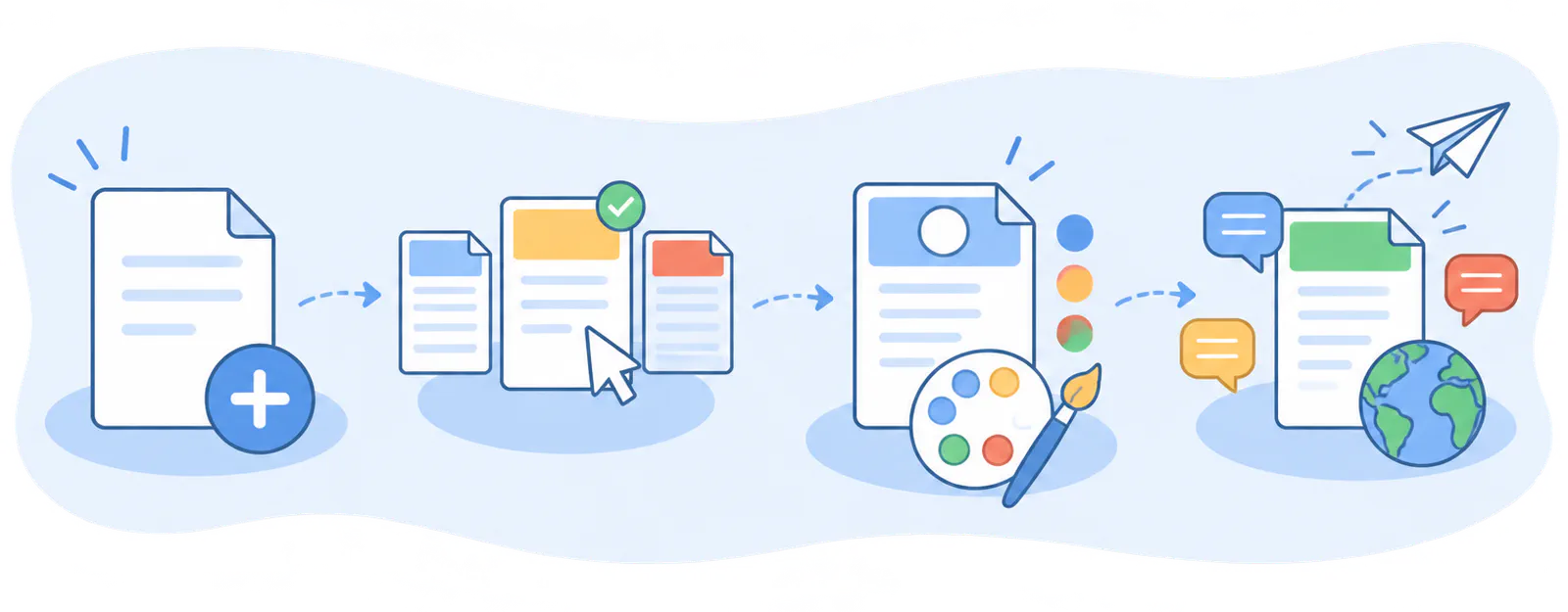
- Create the template
- Choose the design
- Customise it
- Add languages and use it
On video
Design your invoice template
Pick a design, add your colour and font, arrange the blocks and add languages, seeing each change as you go.
FAQ
We answer your questions
Answers to the most common questions about FacturaDirecta invoice templates.