Your clients pay the invoice
in one click
Every invoice has its own secure link: your client views it, downloads the PDF and pays online by card. No sign-ups and no chasing payments.
Start for free Sign in with Google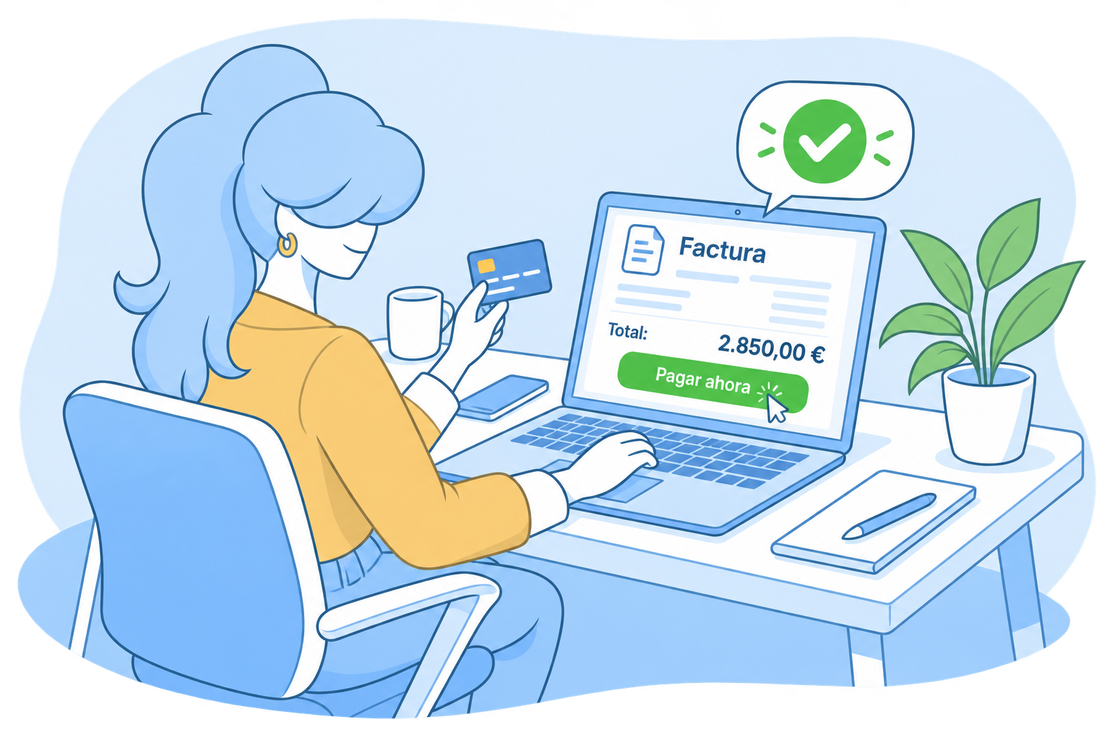
Share the invoice with a secure link
Every invoice has its own page on the client portal: share it with a link or include it in the email you send.


Client portal
With your branding
Your client sees the invoice with your logo and colors, checks the outstanding amount and downloads the PDF.
Verifiable invoices
If the invoice carries a VeriFactu or TicketBAI code, your client can verify its authenticity right from the portal.
You control the link
You know how many times the invoice has been viewed and when, and you can regenerate or deactivate the link at any time.
Start for free!Get paid without chasing anyone
Your clients pay the invoice by card from the portal itself. Fewer reminder emails, more invoices paid.


Card payments
Paying takes one click
Your client opens the link, presses the pay button and pays the outstanding amount with their card. No signing up anywhere.
With your Stripe account
Connect your Stripe account to FacturaDirecta like just another bank and start collecting online payments in a couple of clicks.
You get paid sooner
The easier it is to pay, the sooner you get paid. The invoice is paid and recorded on the spot.
Start for free!Everything squares itself away
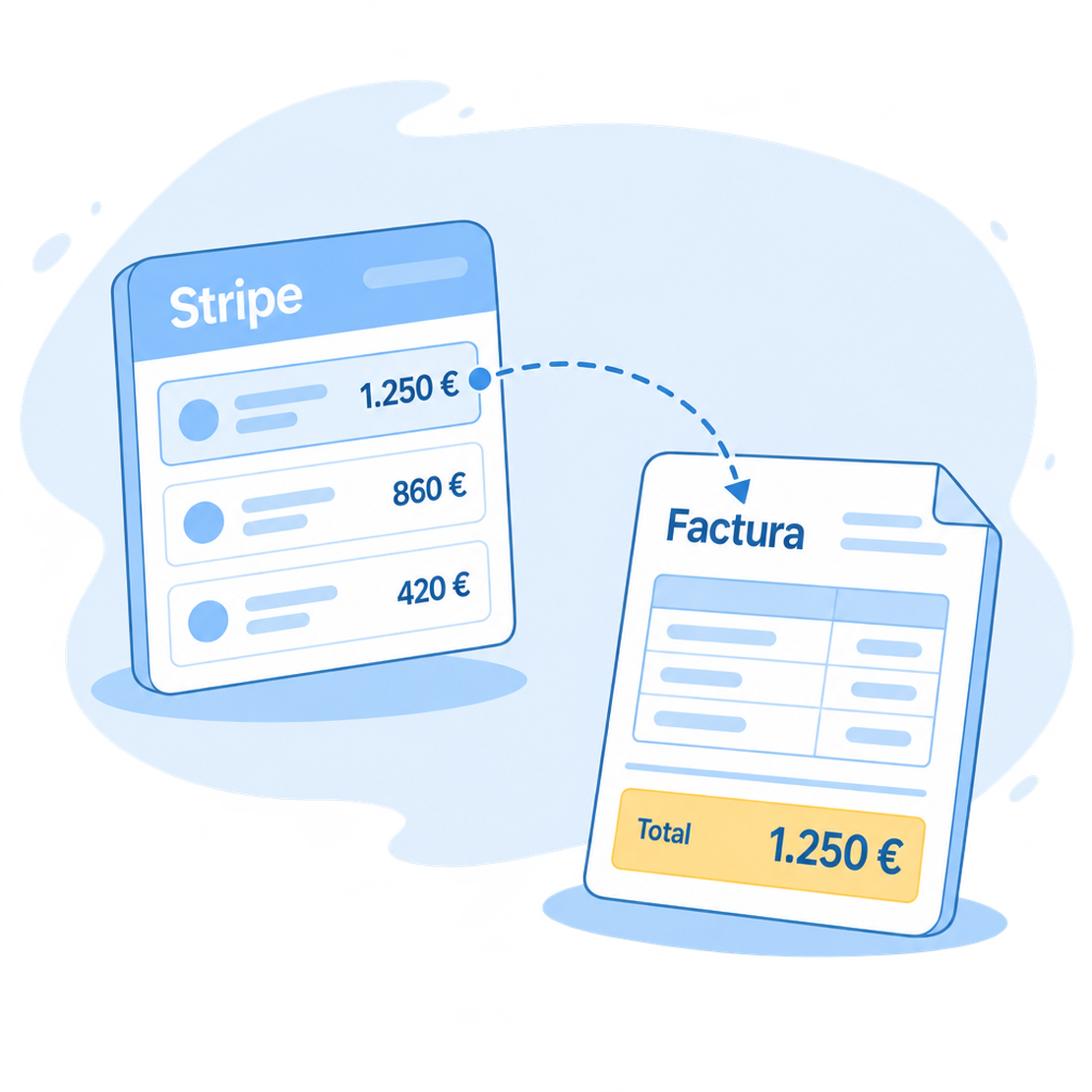
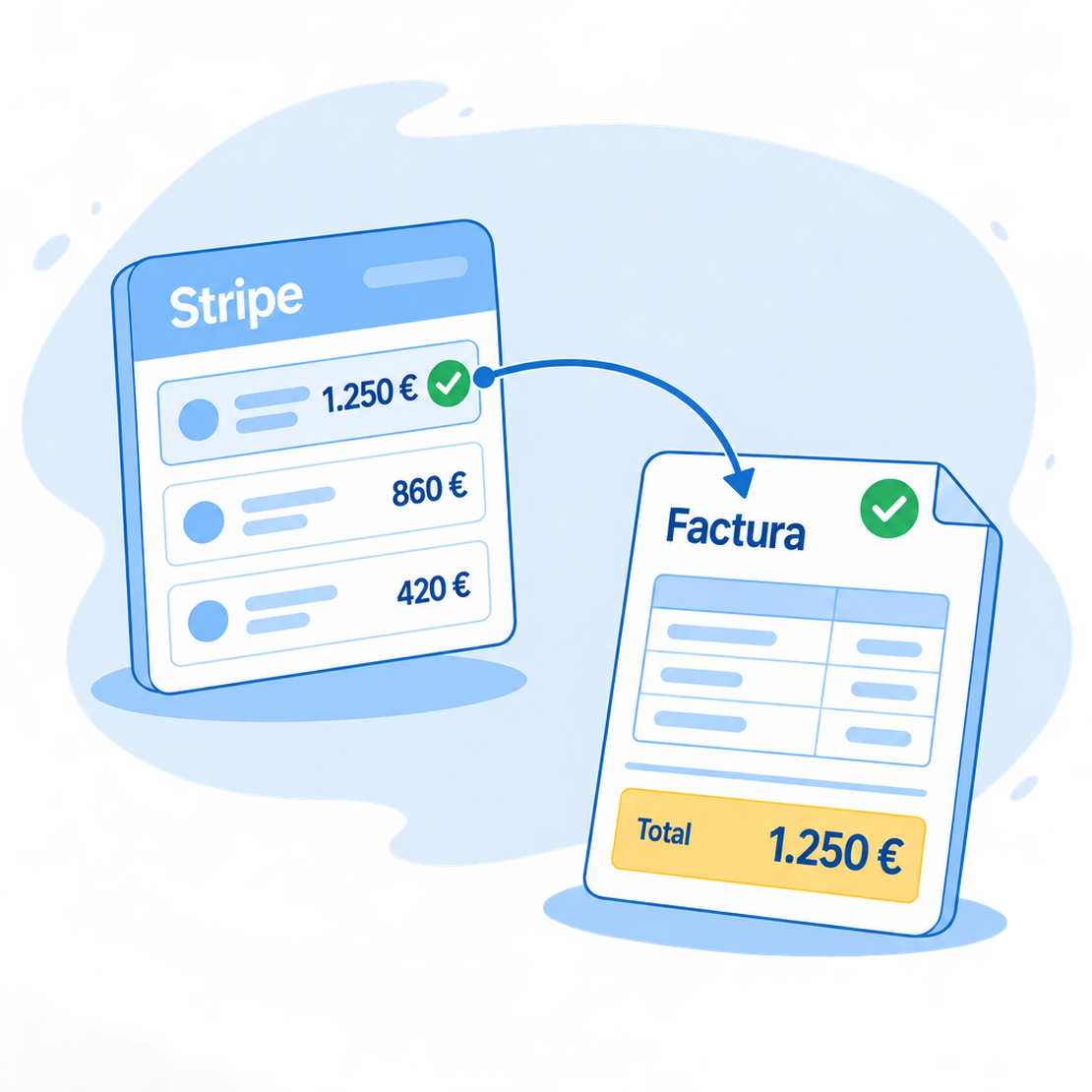
Every payment reaches FacturaDirecta with its invoice, and your Stripe statement syncs like any bank’s.
Reconciliation and statement
The invoice is marked as paid
When your client pays, FacturaDirecta records the payment and applies it to the invoice automatically. Without typing a thing.
Refunds and disputes, too
If there’s a refund or a dispute later on, it’s recorded and linked to the same invoice.
Stripe, like just another bank
Sync your Stripe statement with payments, fees and payouts to your bank, each with its own category. That’s how you square everything without spreadsheets.
Start for free!Frequently asked questions
We answer your questions
The answers to the most common questions about the client portal and online payments.