Estimates and delivery notes
From estimate to invoice,
without typing twice
Send estimates and proformas in each customer’s language, collect the delivery note signature on your phone screen and turn it all into an invoice in one click. Unlimited on every plan, including Free.
Start for free Sign in with Google
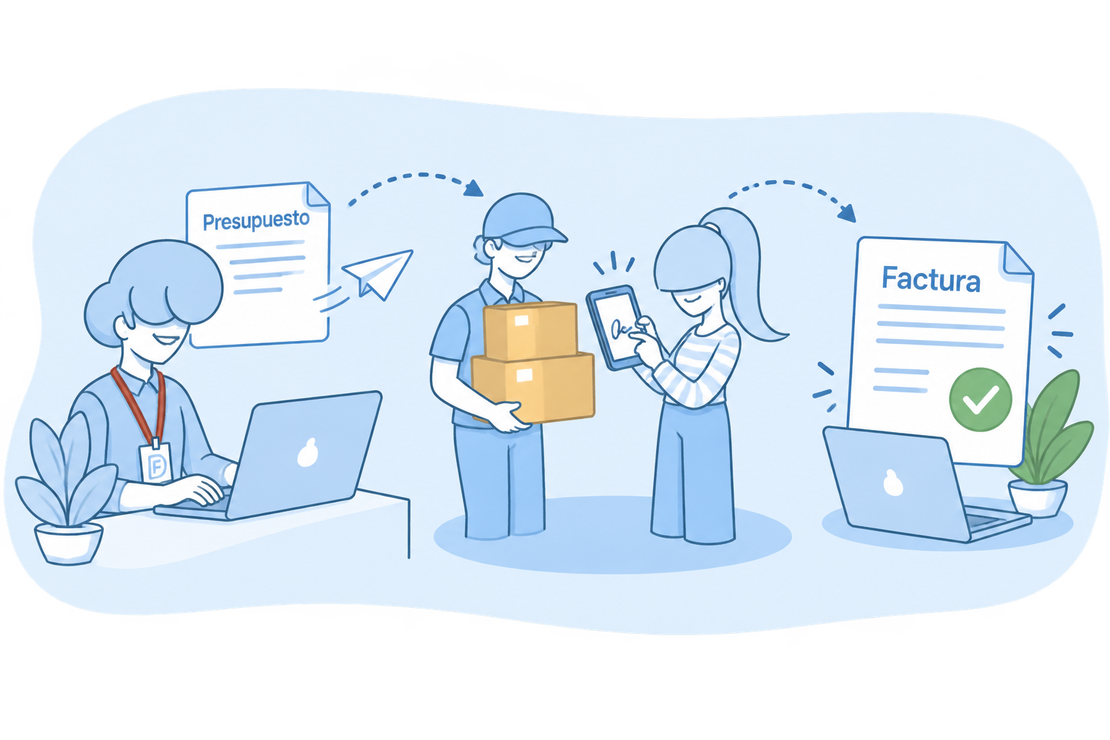
No more copying the estimate into the invoice
The estimate in a word processor, the delivery note on paper in the van and, at the end of the month, retyping it all into the invoice. That’s how deliveries get lost and mistakes creep in.
In FacturaDirecta the estimate, the delivery note and the invoice share the customer, the lines and the amounts: each step converts the previous document and they stay linked. You just check and save.
Before the invoice
What FacturaDirecta does for you
Estimates, proformas and delivery notes as quick as your invoices.
Estimates and proformas
Create an estimate or a proforma invoice with your products, taxes and discounts, and send it by e-mail with its PDF. Your estimates and delivery notes go out in each customer’s language.
Status at a glance
Pending, accepted, rejected or closed: filter the list and see which estimates are waiting for an answer and who accepted each one.
Automatic validity
You set the validity days once and each estimate works out its expiry date.
Estimates without totals
Would you rather discuss the final price in person? A template removes the totals and the tax summary from the PDF.
One-click conversion
Turn the estimate into an invoice, a delivery note or a sales order. They stay linked and the estimate closes by itself.
Receipt signature on your phone
Your customer signs the delivery note with their finger on the screen. We save who received it, the date and the time, and the signature appears on the PDF.
Delivery notes without prices
Record the delivery without showing prices: a template option removes them from the PDF and the delivery note keeps its amounts for invoicing.
The end-of-month invoice
Invoice several delivery notes at once: one invoice per customer and currency, with deliveries in date order.
Recurring estimates and delivery notes
Schedule the ones that repeat and they’re created by themselves, as often as you choose.
Estimates that turn into sales
From sending it to invoicing it, without losing track.


Estimates
Send it in a moment
With the same e-mail sending as your invoices: your template’s message, the PDF attached and its preview.
Follow every answer
Change the status when the customer replies: we save the date of acceptance or rejection and who accepted it.
Invoice it without copying anything
The invoice inherits the customer, the lines and the terms. And you convert several at once, grouped by customer.
Start for free!Step by step
From estimate to invoice
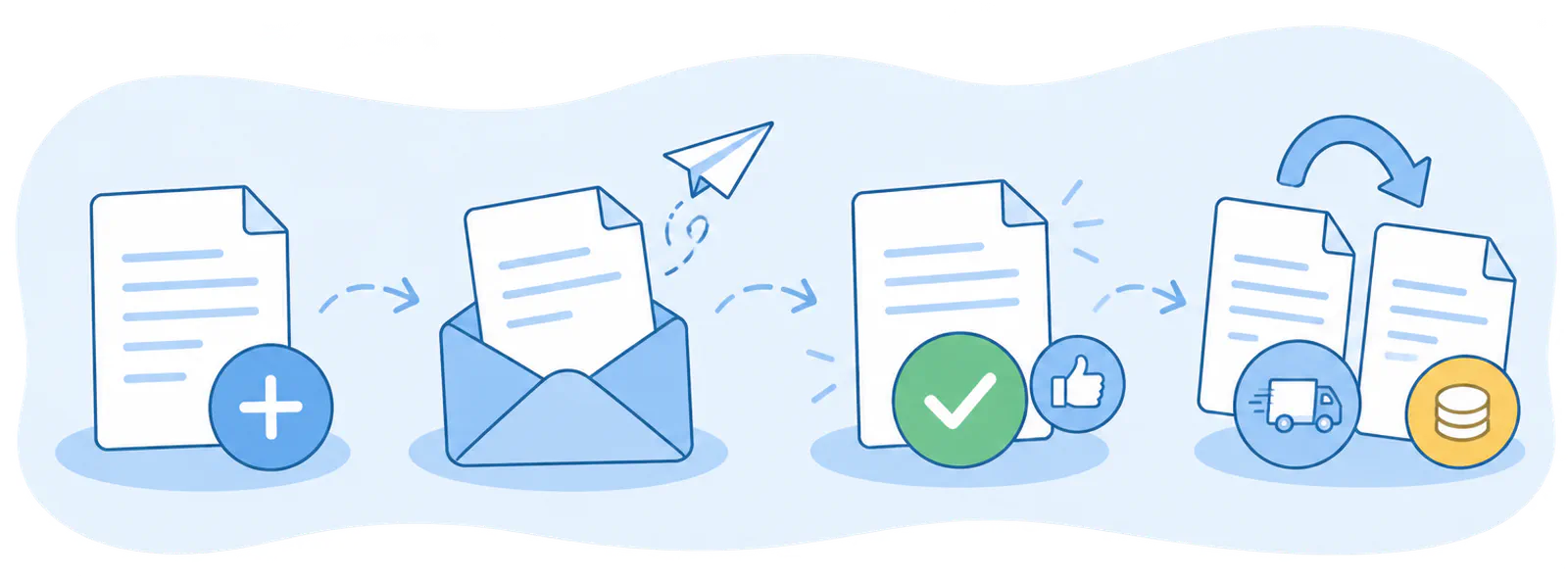
- Create the estimate
- Send it
- Mark it as accepted
- Convert it
Delivery notes signed at your customer’s door
The delivery, its signature and its invoice, with no paperwork to lose.
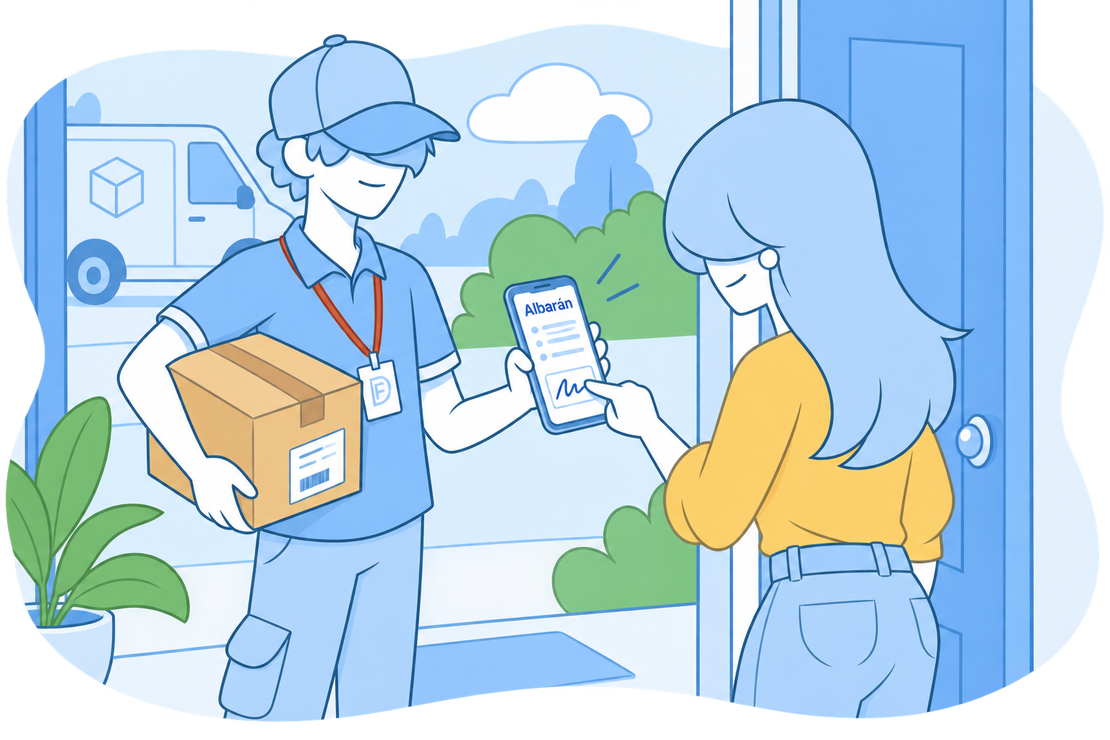
Delivery notes
Signed on the screen
Whoever receives the delivery signs with their finger on the phone or tablet. The delivery note becomes Delivered and the signature appears on its PDF.
With or without prices
Delivery notes with no amounts on show, for when goods travel without prices.
Everything invoiced at month end
Invoice pending or delivered notes in one go, with the date and series you choose: one invoice per customer and currency.
Start for free!FAQ
We answer your questions
Answers to the most common questions about estimates, proformas and delivery notes.