SEPA batches
Collect from and pay everyone at once,
with a single file for your bank
Generate direct debit batches to collect from your customers and credit transfer batches to pay suppliers and employees. Download the SEPA file, upload it to your online banking and you’re done.
Start for free Sign in with Google
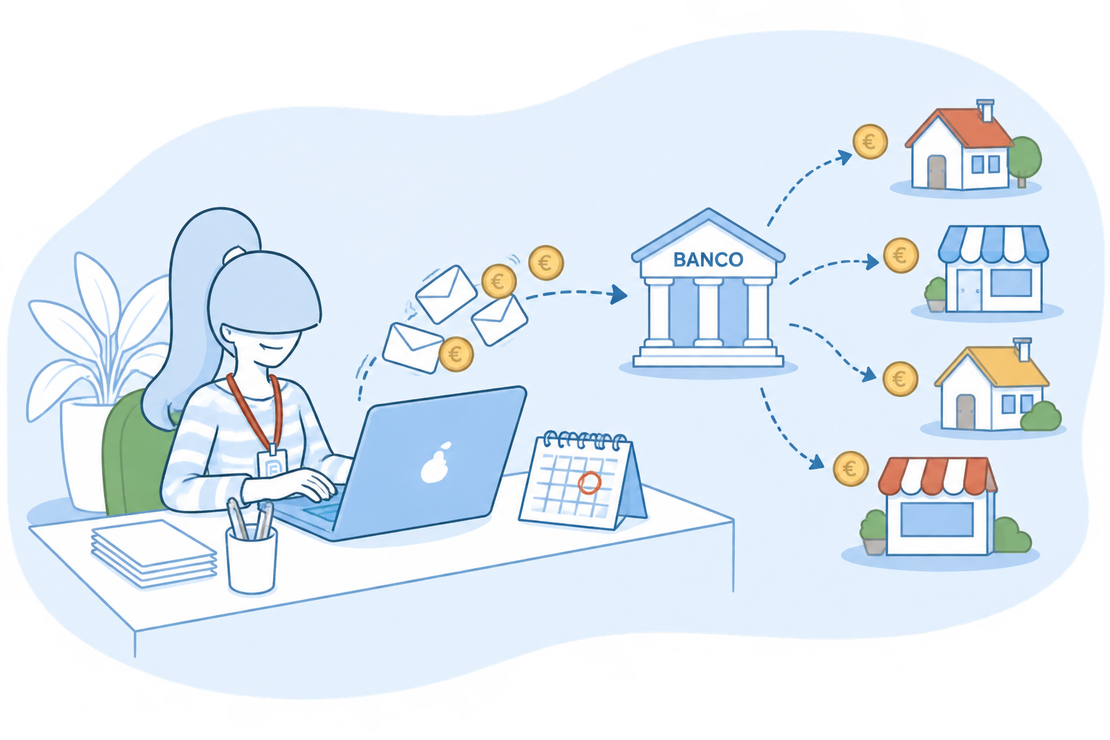
A SEPA batch? Let us explain
A SEPA batch is a file you send to your bank to make several collections or payments at once: direct debits, to collect from your customers, or credit transfers, to pay purchases and payrolls.
With FacturaDirecta you don’t build the file by hand: you pick what’s pending, we generate the XML and, when the money moves, you reconcile it with your bank.
All included
What FacturaDirecta does for you
From the customer’s mandate to your bank statement.
CORE and B2B direct debits
Collect from your customers with their SEPA mandate: CORE for individuals, freelancers and businesses, or B2B, for businesses only. Each batch uses a single scheme.
Your mandates, where you need them
Create the mandate wherever suits you, including from the invoice itself: IBAN, reference, type and signing date.
Transfers to suppliers and employees
Pay pending purchase invoices and payrolls with a single order. Filter by purchase invoices or by payrolls and tick the ones that are due.
Group them your way
For direct debits, combine a customer’s bills with the same due date into one charge. For transfers, ask your bank for a single entry so you reconcile it in one go.
Financed batches
Does your bank advance you the money before the bills are collected? Mark the batch as financed (bank discounting) and FacturaDirecta takes it into account when recording the collection.
By instalment
Each pending instalment is batched separately: split the invoice into instalments and collect or pay only the part that’s due.
Returns and unpaid bills
Mark the bills the bank has returned or that weren’t collected: the amount becomes pending on the invoice again so you can collect it once more.
The XML file for your bank
Download the SEPA file and upload it to your online banking. If you need it again, it’s right there in the batch.
Reconciled with your bank
When the charge or credit reaches your statement, you reconcile it with the batch and it becomes Paid. You can also record the collection or payment from the batch.
Collecting by batch with FacturaDirecta is this easy
From the mandate to your bank statement, without building files by hand.


SEPA batches
Set up the direct debit once
Save the customer’s mandate and choose it on their invoices. With a recurring invoice, every month you get a new bill ready to batch.
Generate the batch in a few steps
Choose the kind and the bank, tick the pending bills or payments and download the SEPA file.
Know what’s been collected
The batch goes from Pending to Partial or Paid as you reconcile the statement, and anything returned goes back to the invoice.
Start for free!Step by step
How to generate a SEPA batch
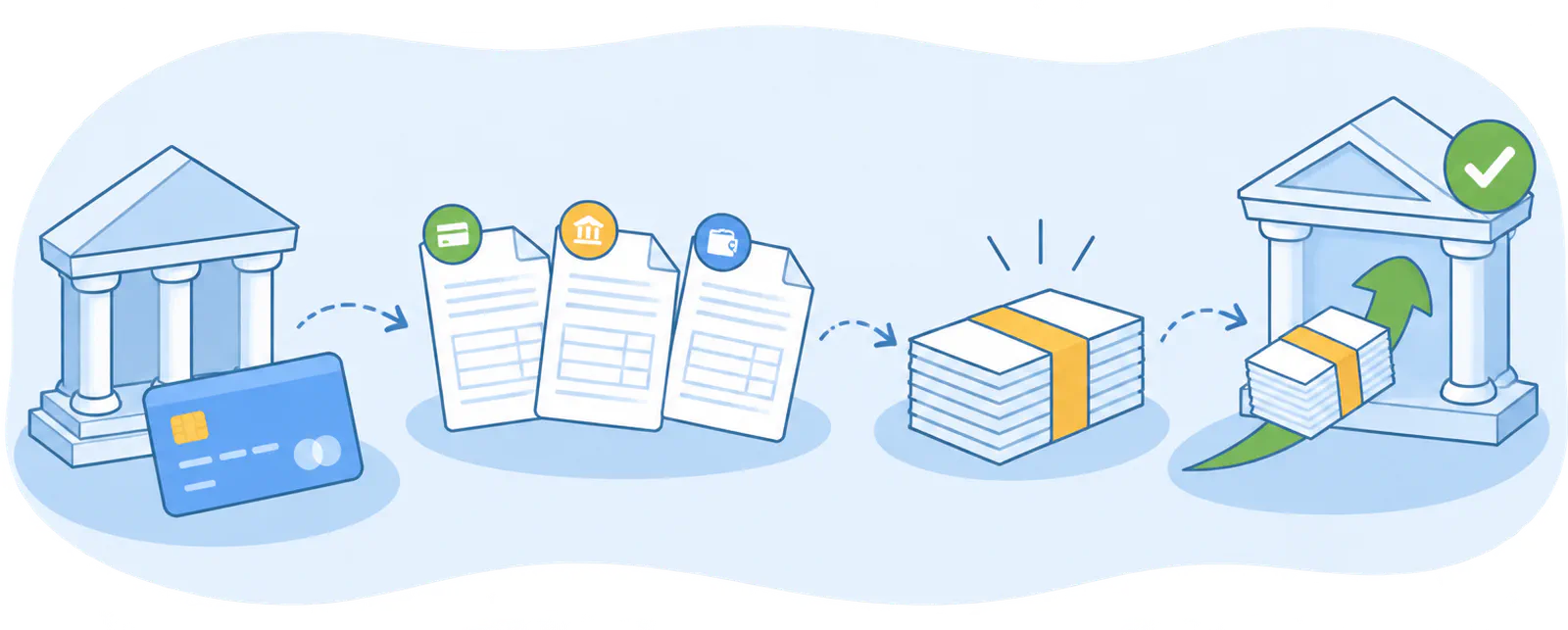
- Set up your bank
- Assign the payment method
- Generate the batch
- Upload it to your bank
On video
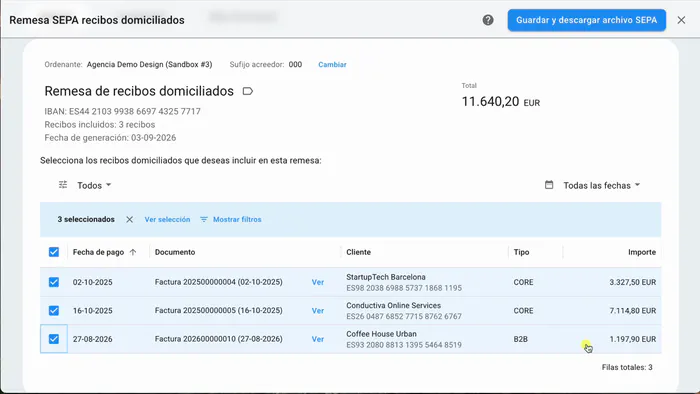
How to create a direct debit batch
Set up your bank and your customer’s SEPA mandate, pick the invoices and download the file to upload to your online banking.
FAQ
We answer your questions
Answers to the most common questions about SEPA batches in FacturaDirecta.