Configure VeriFactu
Compliance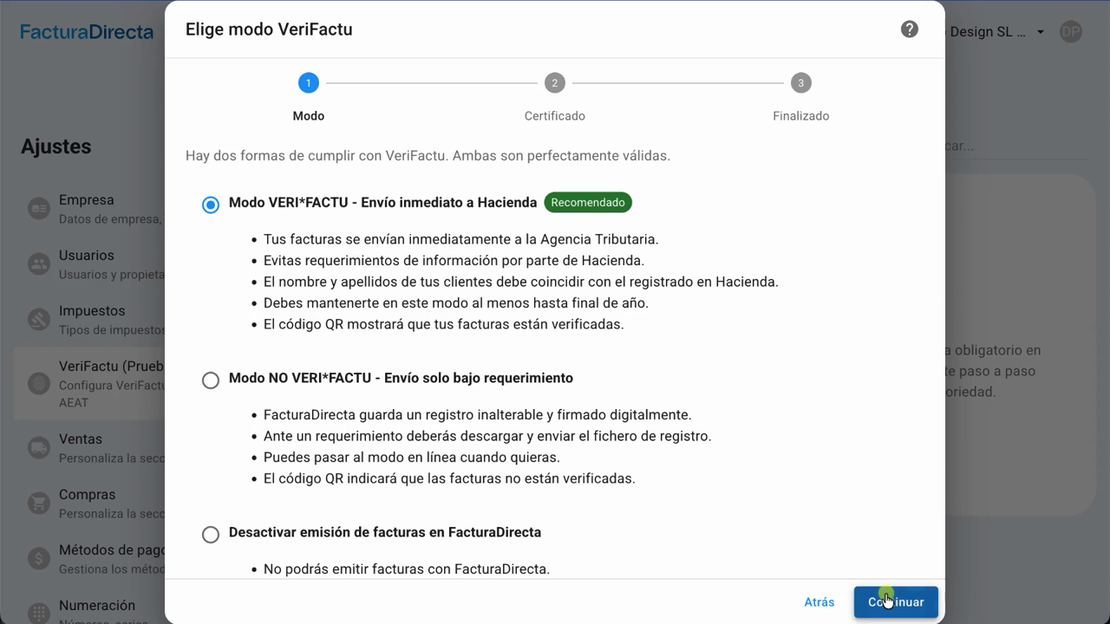
Learn how to configure VeriFactu in your account step by step with the guided assistant
In this tutorial, we show you how to configure VeriFactu in your FacturaDirecta account. Follow the guided assistant step by step to comply with the regulations easily and without complications.
Video transcript
VeriFactu is the new mandatory system from the Tax Agency to register all your invoices. With FacturaDirecta you'll have it ready in just a few minutes. Let's see how. To configure VeriFactu, click on Settings and go to the VeriFactu section. The "Open VeriFactu wizard" button opens a step-by-step wizard that guides you at all times.
First step: choose the operating mode. We recommend VeriFactu mode with immediate submission. Every time you issue an invoice, it is automatically sent to the Tax Agency. Your customers see that everything is officially verified and you avoid inspections and requirements. Next step: the digital certificate.
The easiest and fastest way is to use the FacturaDirecta certificate. You just need to give us an online power of attorney. If you prefer, you can also upload your own digital certificate. To grant the power of attorney, you have two options. The first option is to use your company or self-employed digital certificate.
You click the button, enter using your certificate on the Tax Agency's electronic office and confirm the pre-filled form with our data. You copy the power of attorney reference they give you and in one minute it's done. The second option is with Cl@ve, your digital identification system. The process is the same.
You confirm, copy the reference, paste it here and the system validates the power of attorney instantly. Now the system automatically checks that your customers are correctly registered with their Tax IDs. You can modify customer data from here or do it later. Then configure the invoice series required by VeriFactu.
Complete invoices, simplified invoices and their amendments. You can do it right here with the "Create series" button. Now choose when you want to activate VeriFactu. You can activate it now, schedule it for the mandatory dates or choose your own date. Next, you review the summary and confirm. And done.
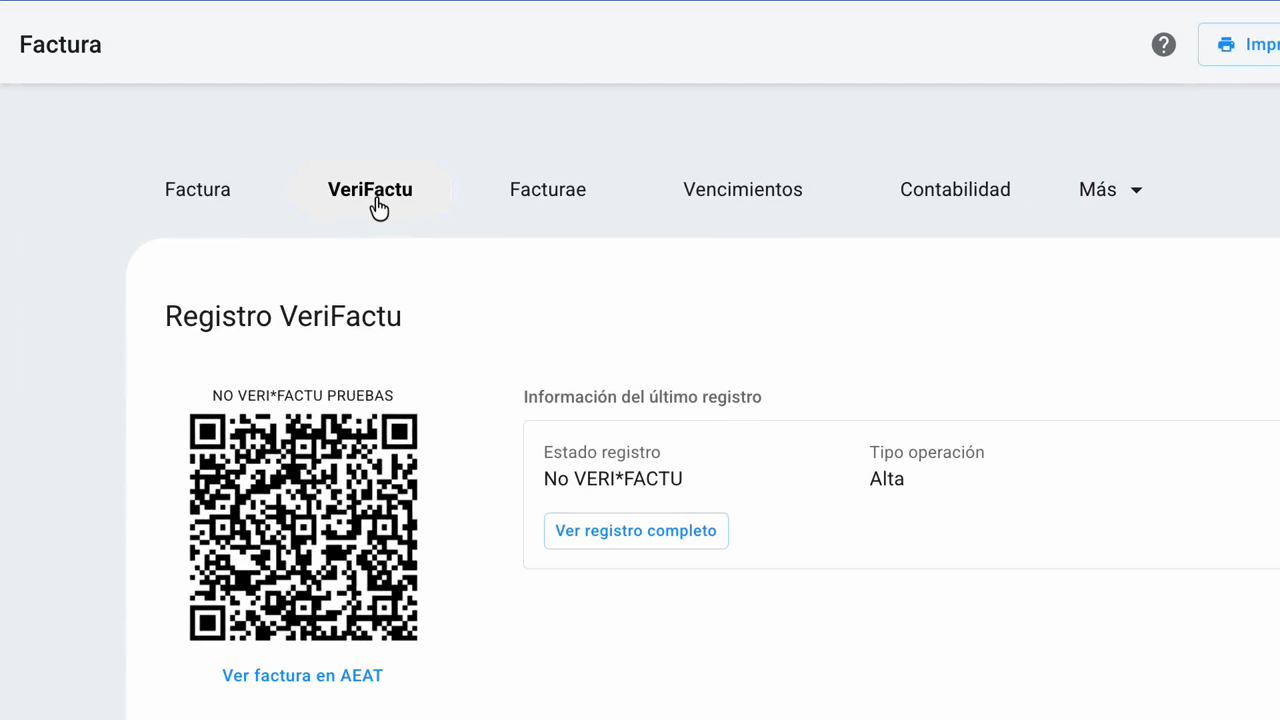
VeriFactu is activated. From now on, all your invoices automatically include the VeriFactu QR code. Each invoice has the record and is officially verified. With FacturaDirecta, VeriFactu without complications. You invoice calmly and we take care of the rest.