Choose a design, match it to your brand and decide which template your invoices, estimates and delivery notes use
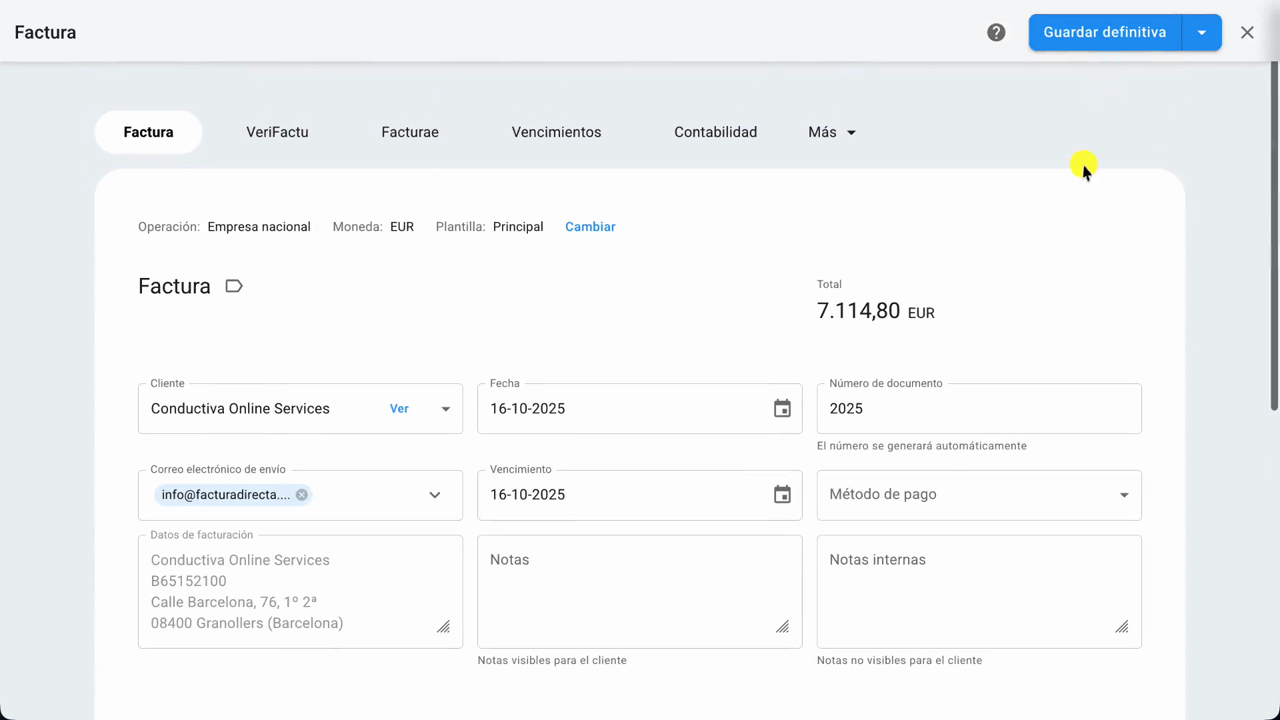
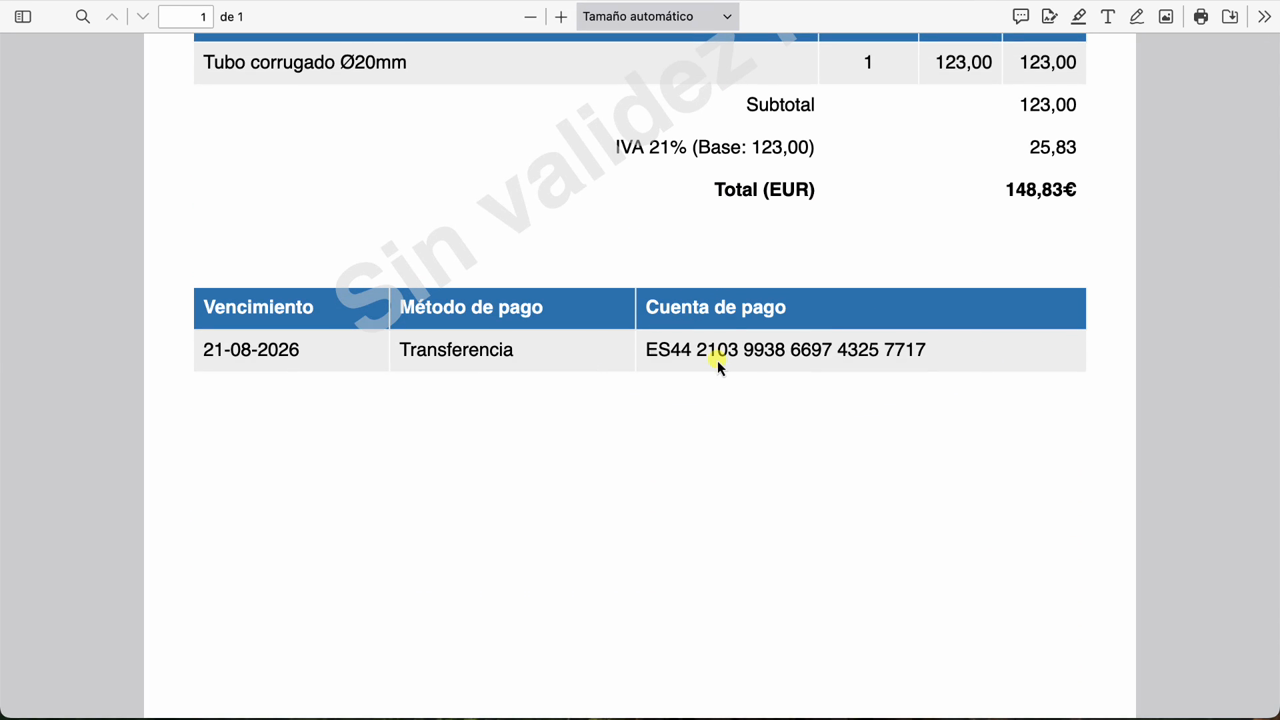
In this tutorial, we show you how to design the templates FacturaDirecta uses to create your invoices, estimates and delivery notes as PDFs. You choose a design, match it to your brand with your colour, your font and your logo, arrange the document blocks and add your clients’ languages. Finally, you make it your default template.